Solved

Issue using functions in Report Designer

  • August 26, 2022
  • 4 replies
  • 241 views

Forum|alt.badge.img+6

Attempting to make a modification to UniformPaymentAdvice need to remove the first 2 characters from the Invoice ID.  Attempted to use this - vldtstr:StrLTrim(tns:INVOICE_NO,'SI') and I get the below error when I try to render the PDF.

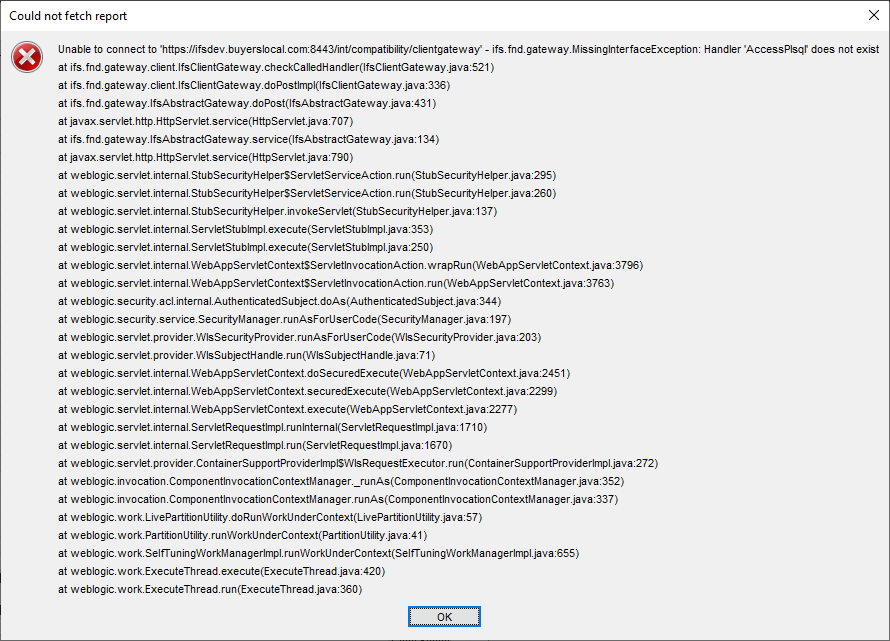
If I try to render again I get the below errors.  And then the No Data Available error.
 

Best answer by JohanLindstrom

Hi,


I think the function statement is case sensitive. Try changing vldtstr:StrLTrim(tns:INVOICE_NO,'SI') to vldtstr:strLTrim(tns:INVOICE_NO,'SI') and you should be able to render the pdf.

Also that function will not work as it only will trim the first character ‘S’.

Try vldtstr:strReplace(tns:INVOICE_NO,0,2,'') should do the trick.


BR

Johan

4 replies

Forum|alt.badge.img+8
  • Hero (Customer)
  • Answer
  • August 26, 2022

Hi,


I think the function statement is case sensitive. Try changing vldtstr:StrLTrim(tns:INVOICE_NO,'SI') to vldtstr:strLTrim(tns:INVOICE_NO,'SI') and you should be able to render the pdf.

Also that function will not work as it only will trim the first character ‘S’.

Try vldtstr:strReplace(tns:INVOICE_NO,0,2,'') should do the trick.


BR

Johan


Forum|alt.badge.img+6
  • Author
  • Do Gooder (Customer)
  • August 26, 2022

Thanks Johan that has fixed my issue.


Forum|alt.badge.img+8

Happy to help!


Forum|alt.badge.img+6
  • Do Gooder (Customer)
  • March 28, 2023

Issue with Report Designer Aggregate Function 

Report Designer Function Aggregate functions like Max, Min, Avg is applicable on Number format but not on dates.
I want to minimum of detail level dates, its not giving right information, please help.