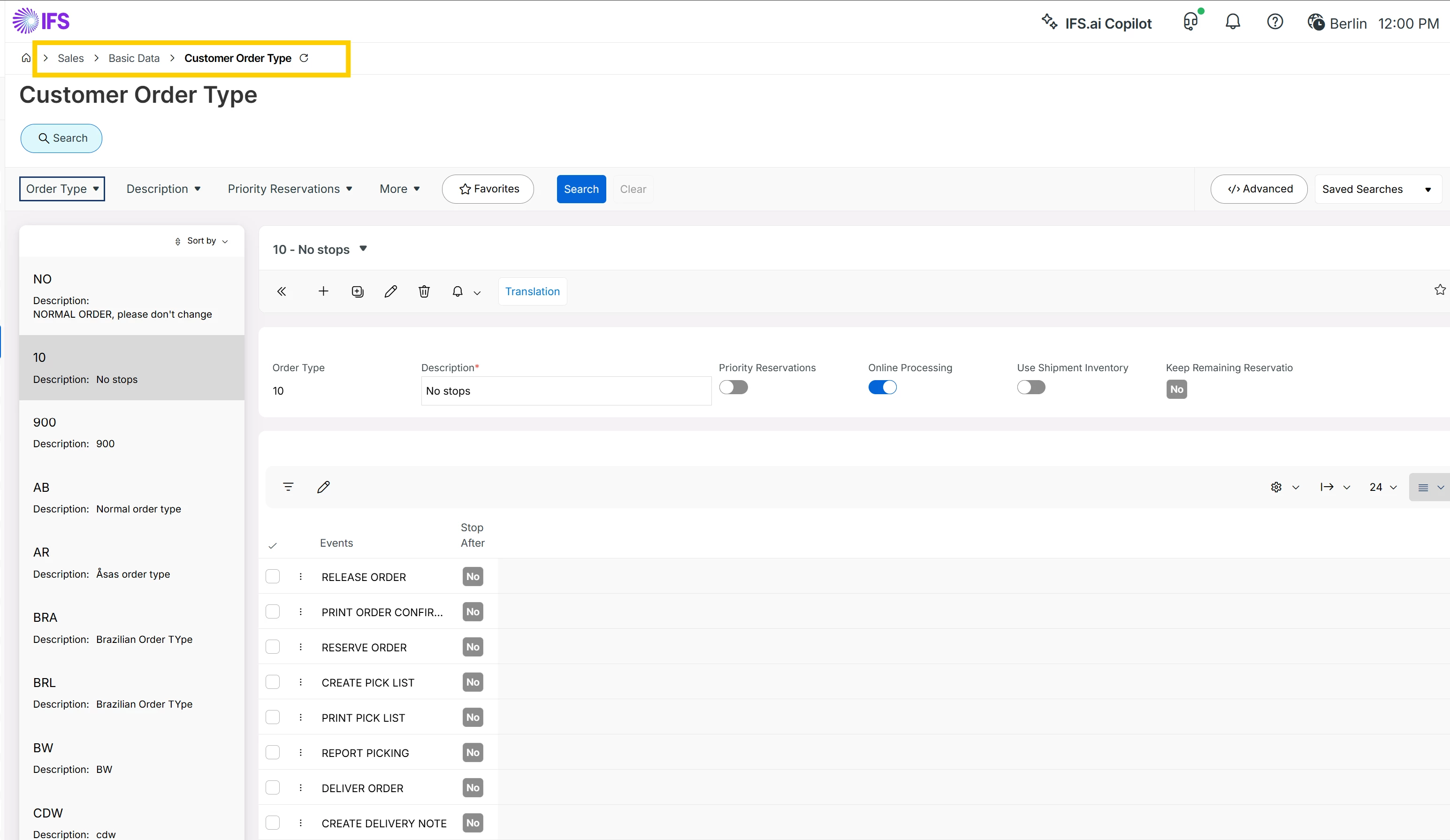
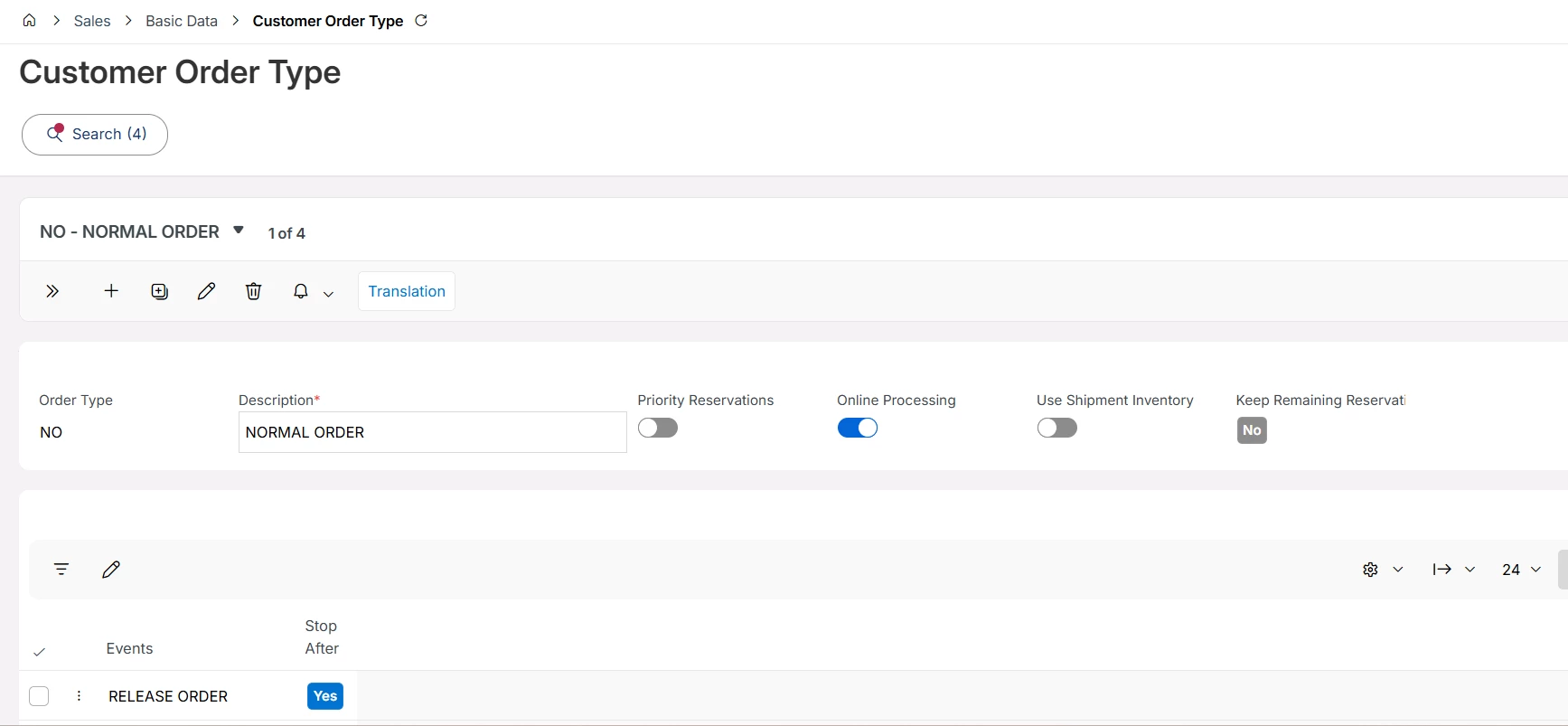
I believe you want to know the screen where you can add more ‘Order Types’. Please let me know if that is not the case.
You can add order types from ‘Customer Order Type’ screen (Sales> Basic Data> Customer Order Type). Additionally, you can even edit the existing Order Types from that screen. Basically, Order Types are used to control and automate the Customer Order process.
Further, below is the explanation on Customer Order Types, in case you’d want to know its functionality.
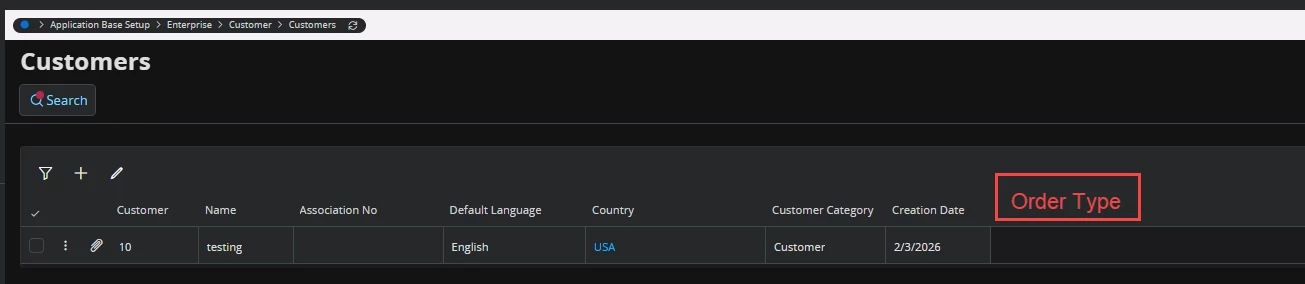
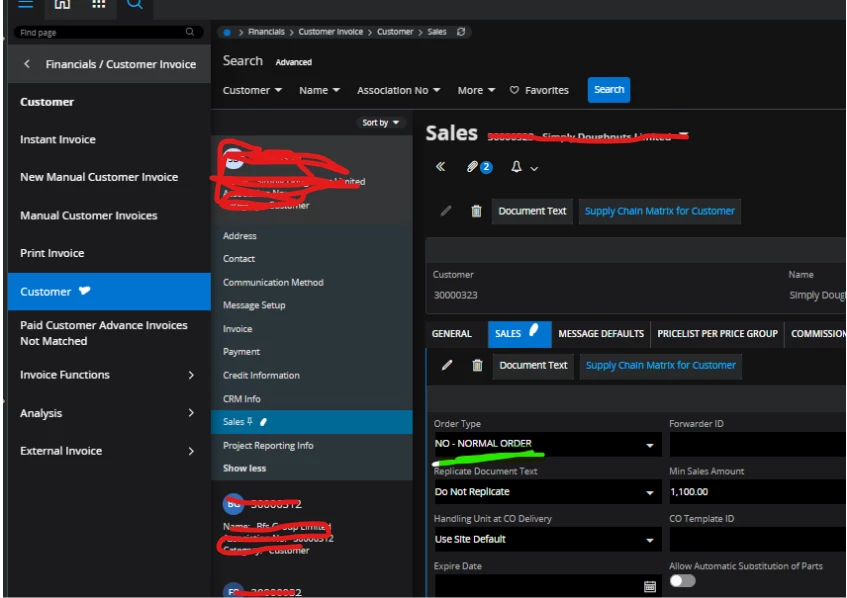
@MGDMONALI to be clear, is this what you want? Add this column (as read-only) to this page and pull the value from the Customer > Sales > Sales tab.
How can I make this column read-only? I have tried using Page Designer, but the Sales database doesn’t store a value, so I’m not able to pull the value.”


 +5
+5