hi
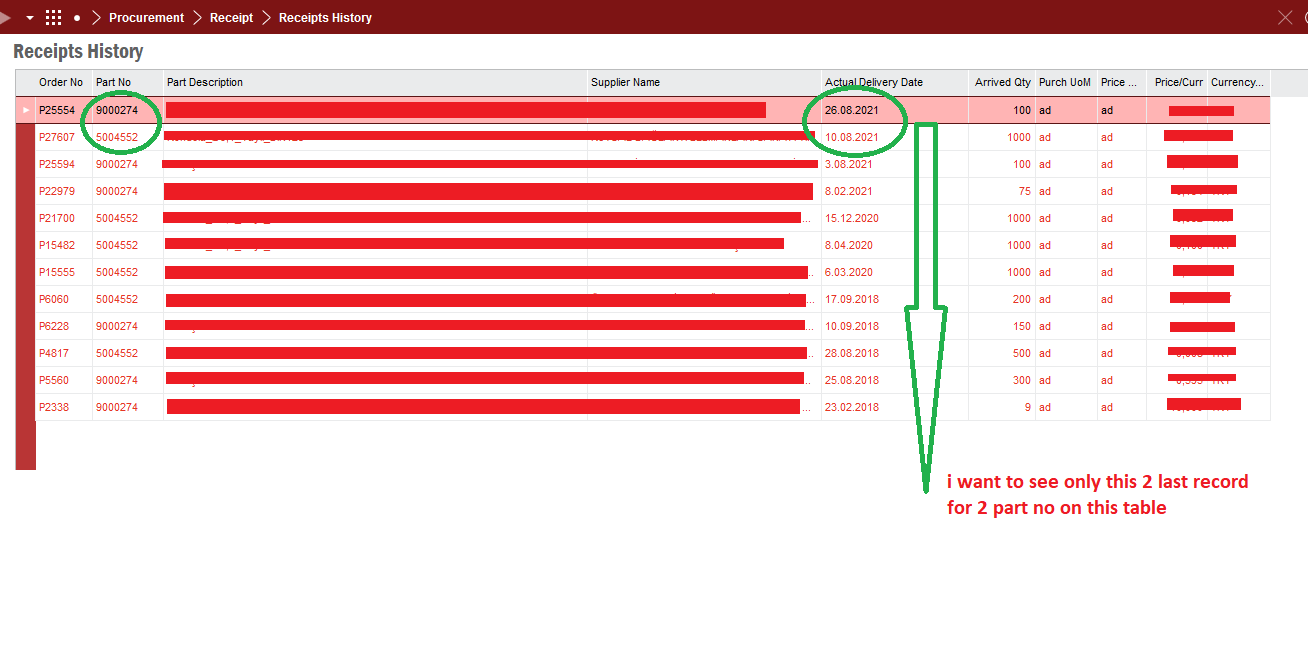
how can i filter parts sort by last arrival dates on filtering window . when i filter 100 part no at same time, shows me all dates and take so long. i dont wanna see all dates, i want to see only last records each part numbers.

 +1
+1hi
how can i filter parts sort by last arrival dates on filtering window . when i filter 100 part no at same time, shows me all dates and take so long. i dont wanna see all dates, i want to see only last records each part numbers.
Best answer by ShawnBerk
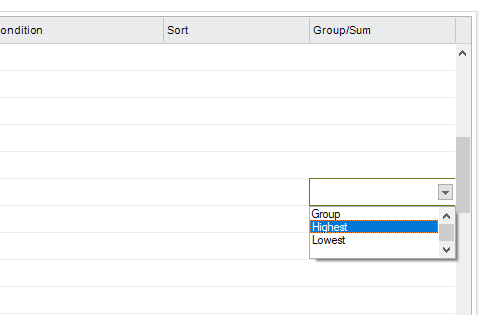
You don’t need to do any grouping, that is just going to take longer and not give you the answer you want anyway.
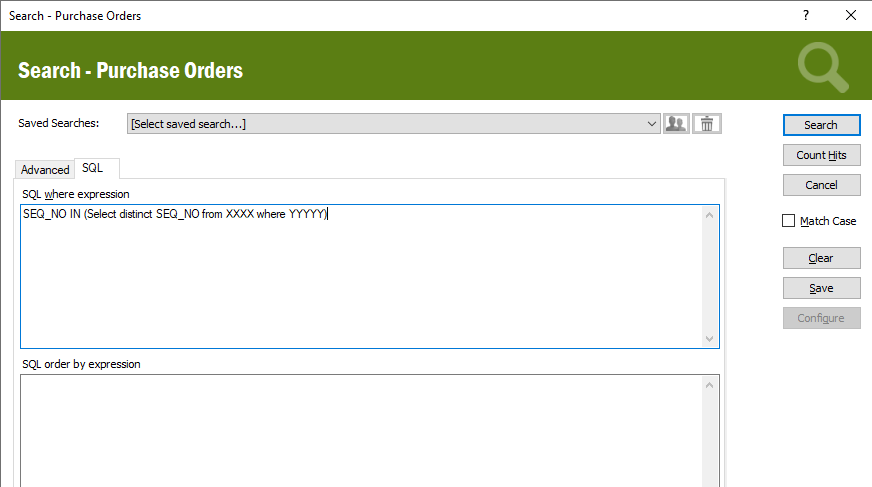
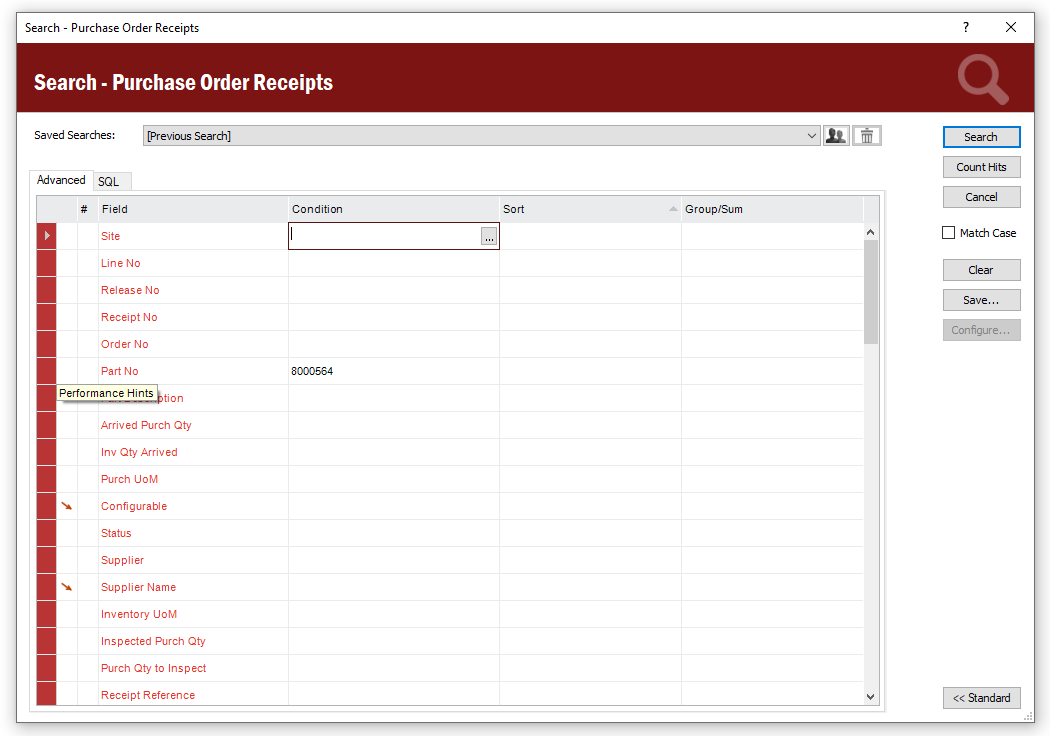
Searching on Purchase Orders or using SQL also isn’t necessary as you want to see things actually received, not the unreceived purchases. Receipts History is the right place according to what you are intending to find.
My suggestions for limiting the data set is first to limit by Site (this only matters if the part is in more than one site). If you only have one site, then this doesn’t matter.
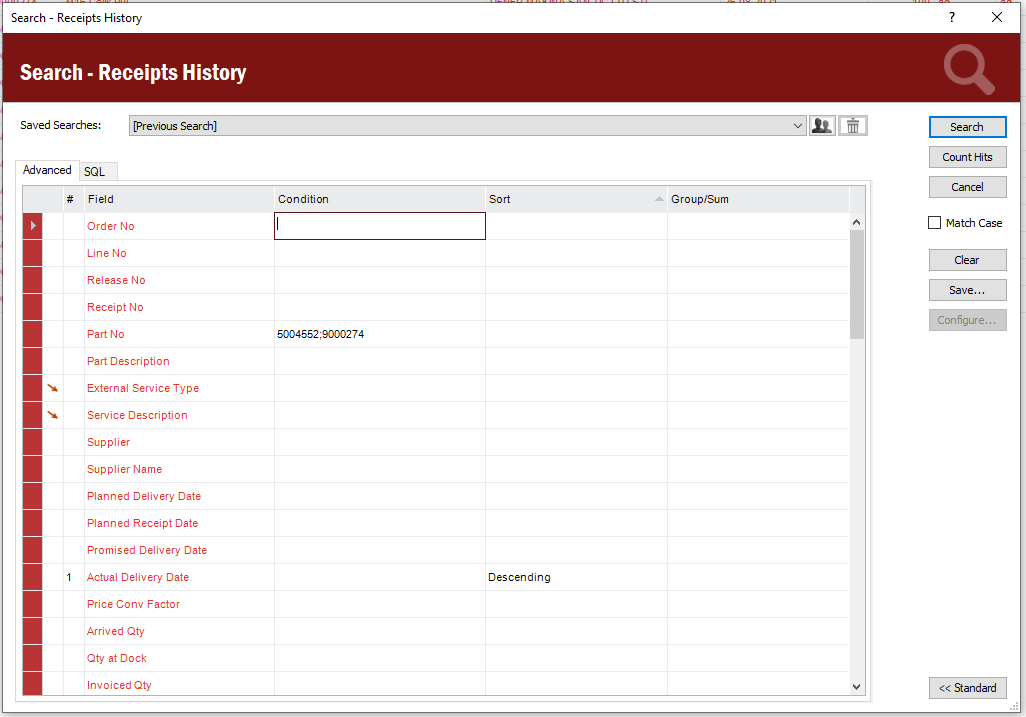
The second parameter that you definitely need is to limit the dates over which you are looking this will significantly speed up the search as it will reduce the data set to more recent records. For most of the part numbers I would assume you’ve purchase them in the last 2 or 3 years, so I would add this parameter in the condition for the Actual Delivery Date:
>#TODAY#-720 (This will look in the previous 2 years of data as a rolling look backwards)
>#TODAY#-1000 (This will look in the previous 3 years of data)
You will have to choose how far back you want to look. If you don’t find any results within 3 years, only then will you need to clear out the condition for the date to look at all of the parts.
Hopefully that makes sense, but I’m sure it will help speed up your search.
Enter your E-mail address. We'll send you an e-mail with instructions to reset your password.