Question

MWO Sync Process Failing with Initializing

  • April 25, 2022
  • 3 replies
  • 376 views

Forum|alt.badge.img+10

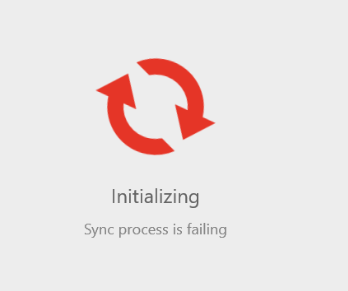
While initializing, two of our users received the message “Sync process is failing”. How do we stop the app from continuing to initialize when the message is displayed? We are using IFS 9.



3 replies

James Ashmore
Hero (Employee)
Forum|alt.badge.img+16
  • Hero (Employee)
  • April 26, 2022

Do you see anything in the Logs in Solution Manager > Touch Apps > Logs and Queues > Logs. You can read about the logs under the F1 docs path: f1doc/Foundation1/040_administration/415_touch_apps/030_logs_and_queues/020_logs/default.htm

Could be that there is something wrong with the set-up that is causing the problem. You can read about the Sync Guide in the F1 docs under this path: f1doc/Foundation1/040_administration/415_touch_apps/010_administration/065_mobile_fw_synch_guide/default.htm

You can also read about trouble shooting the sync process using this path: f1doc/Foundation1/040_administration/415_touch_apps/010_administration/070_trouble_shooting/default.htm

Cheers

James


Forum|alt.badge.img+10
  • Author
  • Sidekick (Customer)
  • May 3, 2022

We were able to determine that the initialiation sync failing was due to a profile change. 


Forum|alt.badge.img+10
  • Author
  • Sidekick (Customer)
  • May 4, 2022

We were able to determine the cause for the initialization not completing and the message that the Sync Process is Failing. It happens when we make a change to the user’s profile in order to display a new custom field in the mobile app. What are the steps for making a custom field visible to users in the mobile app? We are using IFS 9.