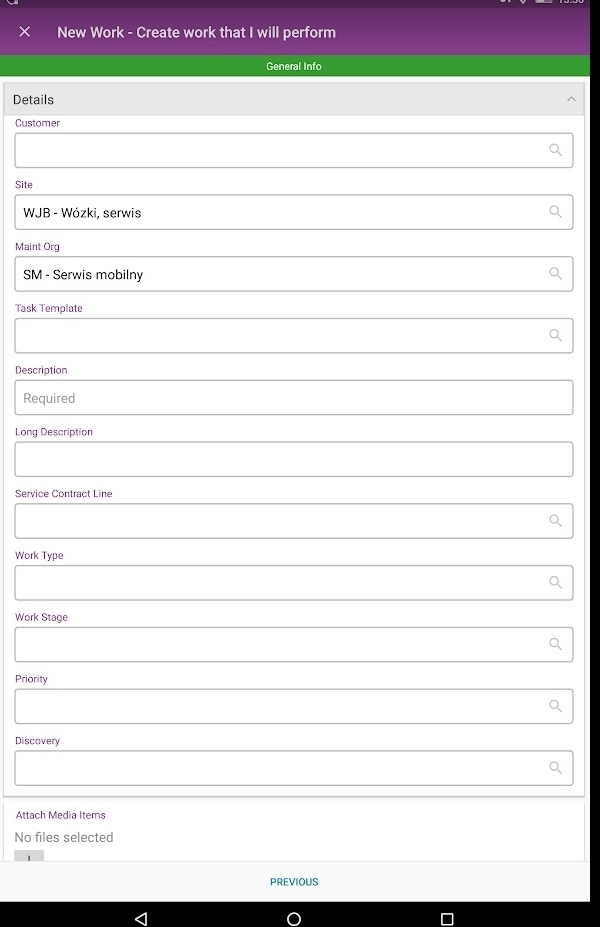
Is there a way to make a field in mobile work order mandatory?
For example make “Work Type” as mandatory for user entering New Work.
It may be of course controlled by an event but when the event fires and the whole work in mWO will be done offline, the work order won’t be created in application as the event will stop the process of creating task.
Best regards,
Hubert
Best answer by Atheeq Maharoof
Hi @HubertZ
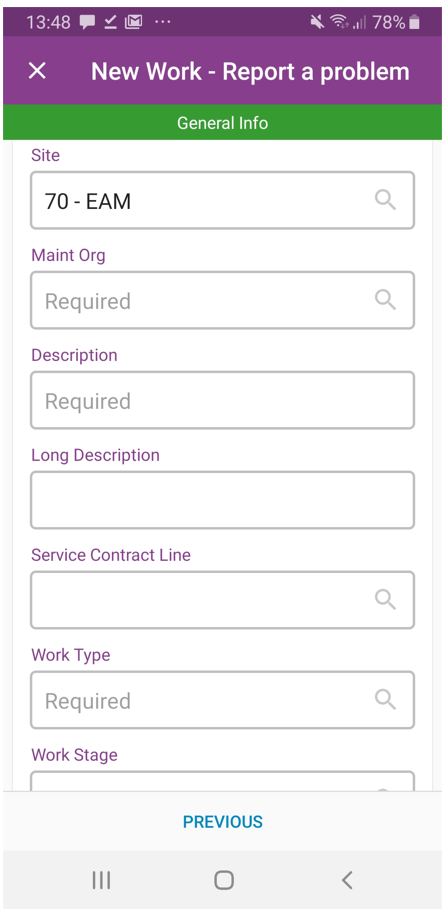
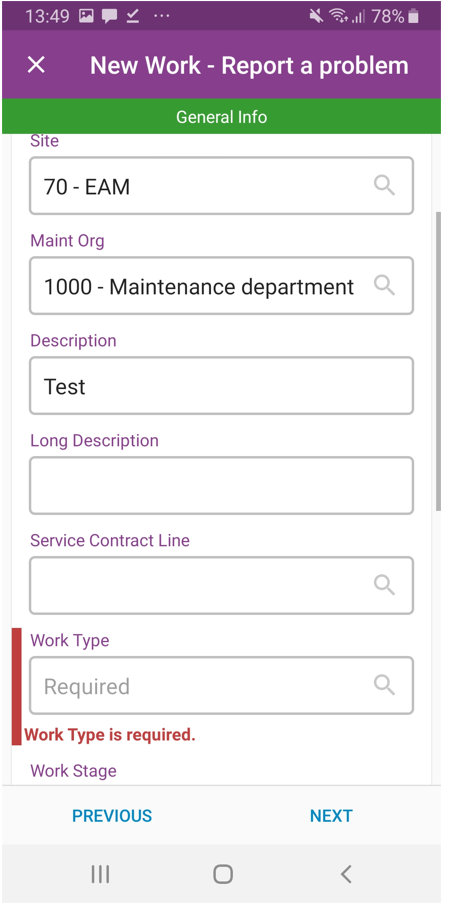
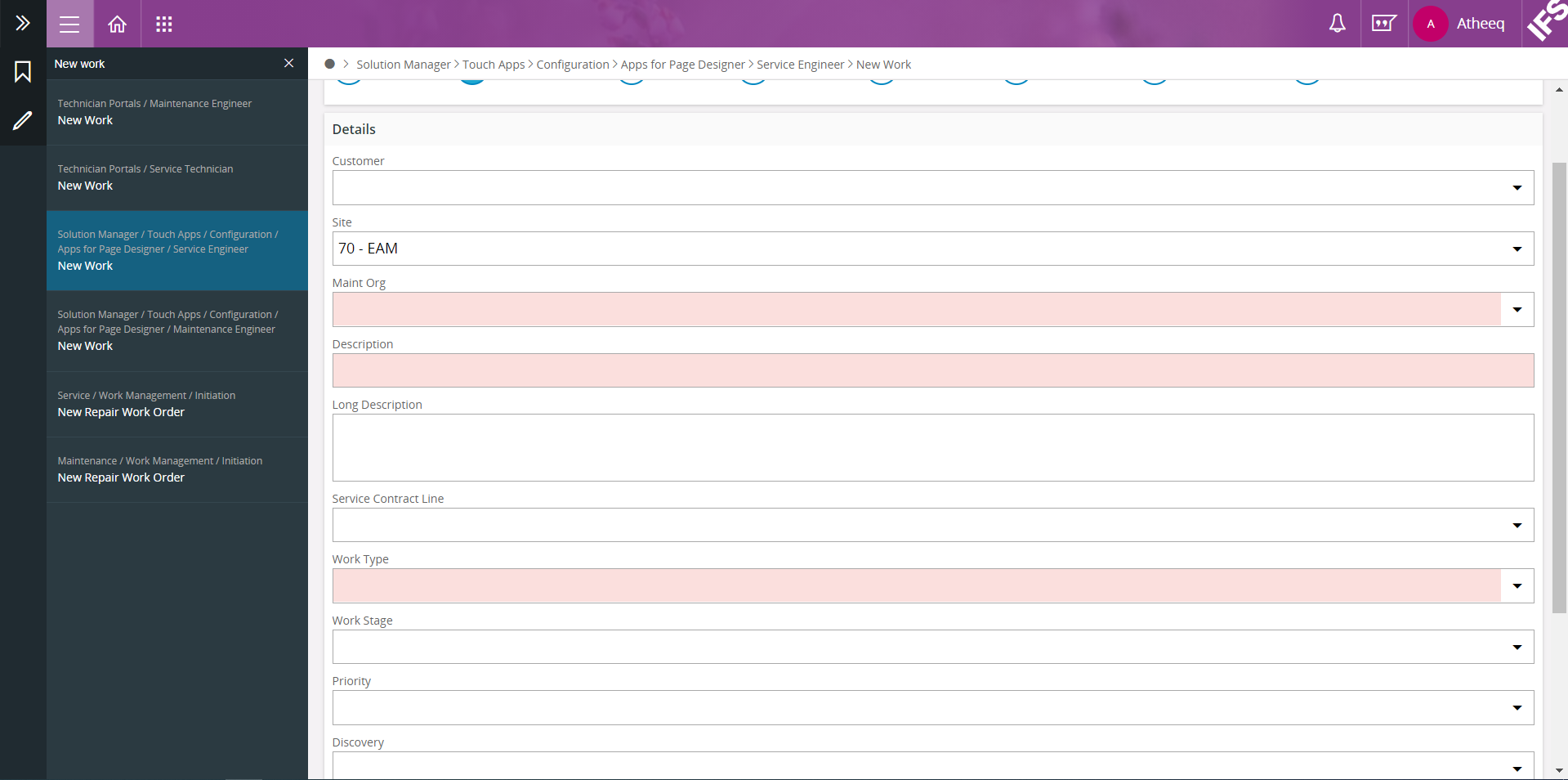
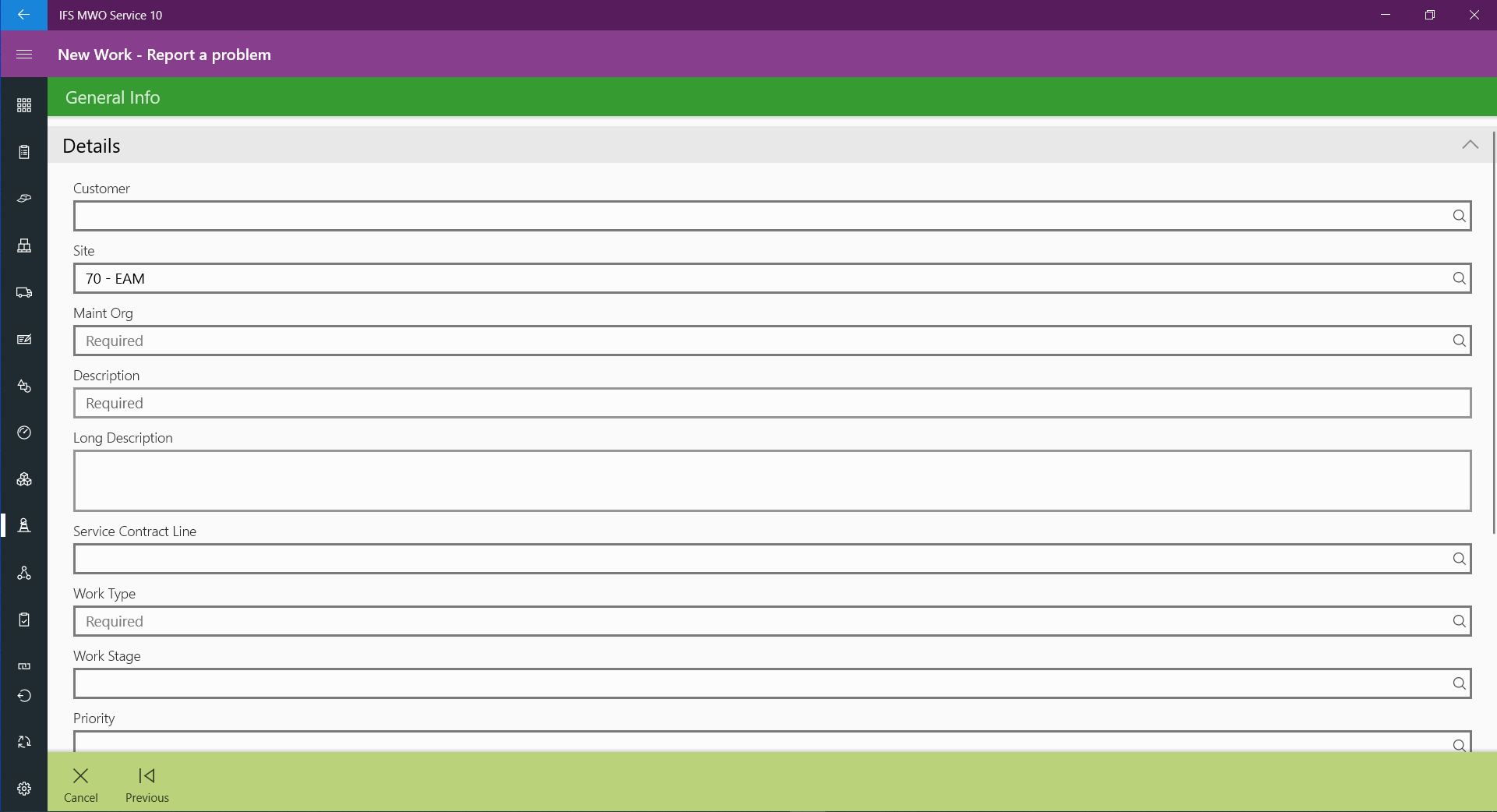
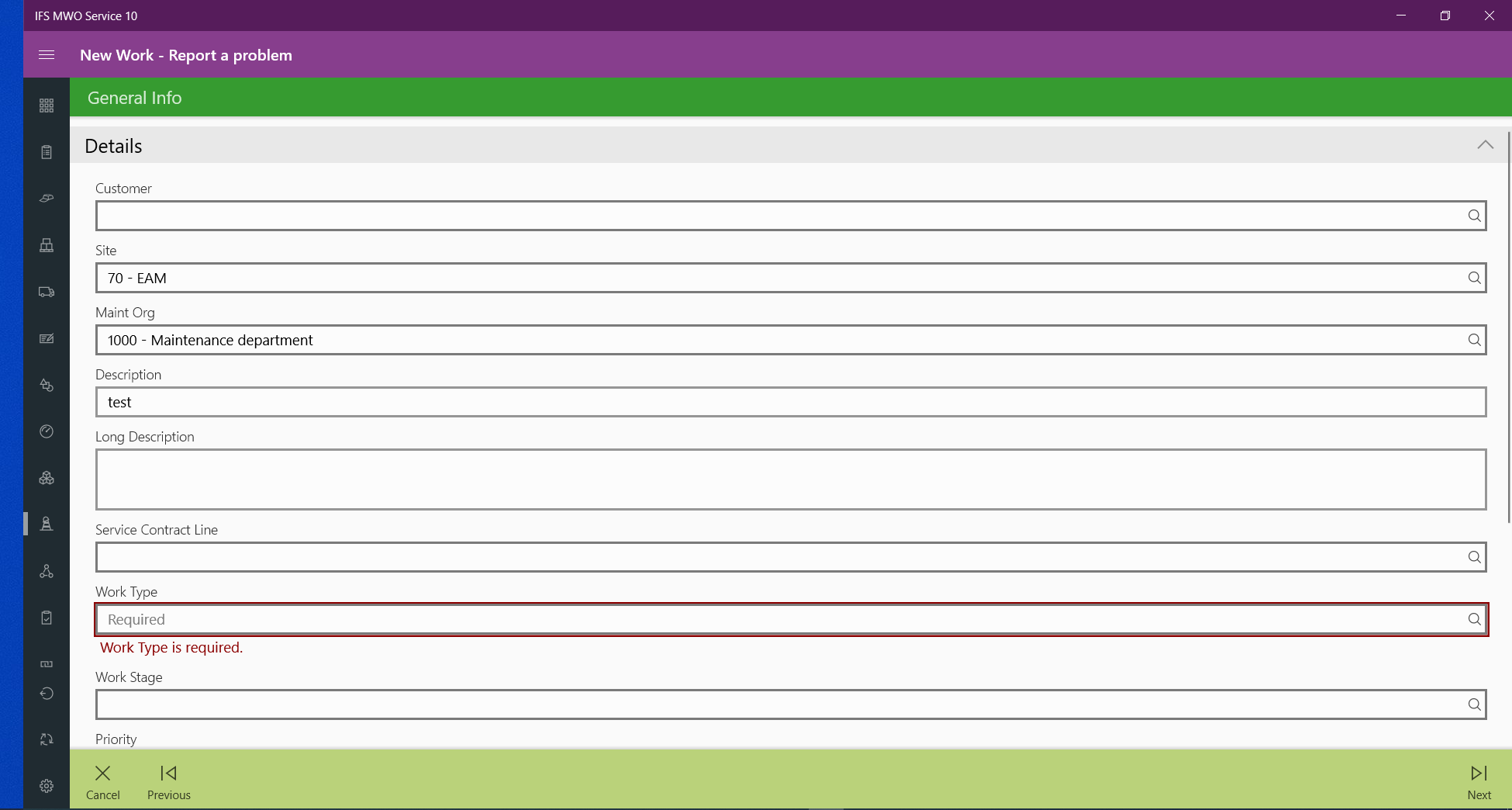
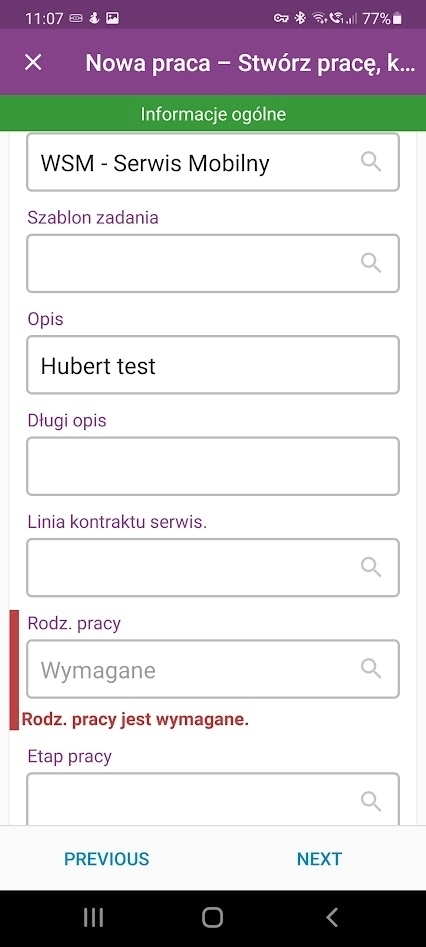
The last 2 screenshots are the windows version of Service Engineer Application. For more clarity I have attached android Service Engineer application.
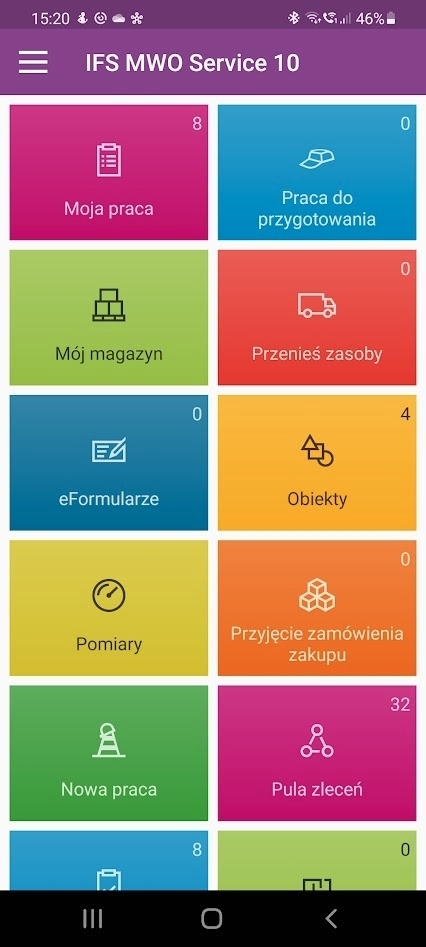
Android Service Engineer ApplicationNew Work ScreenWork Type required Error
Hope the above screenshots help you to setup the mandatory requirement.
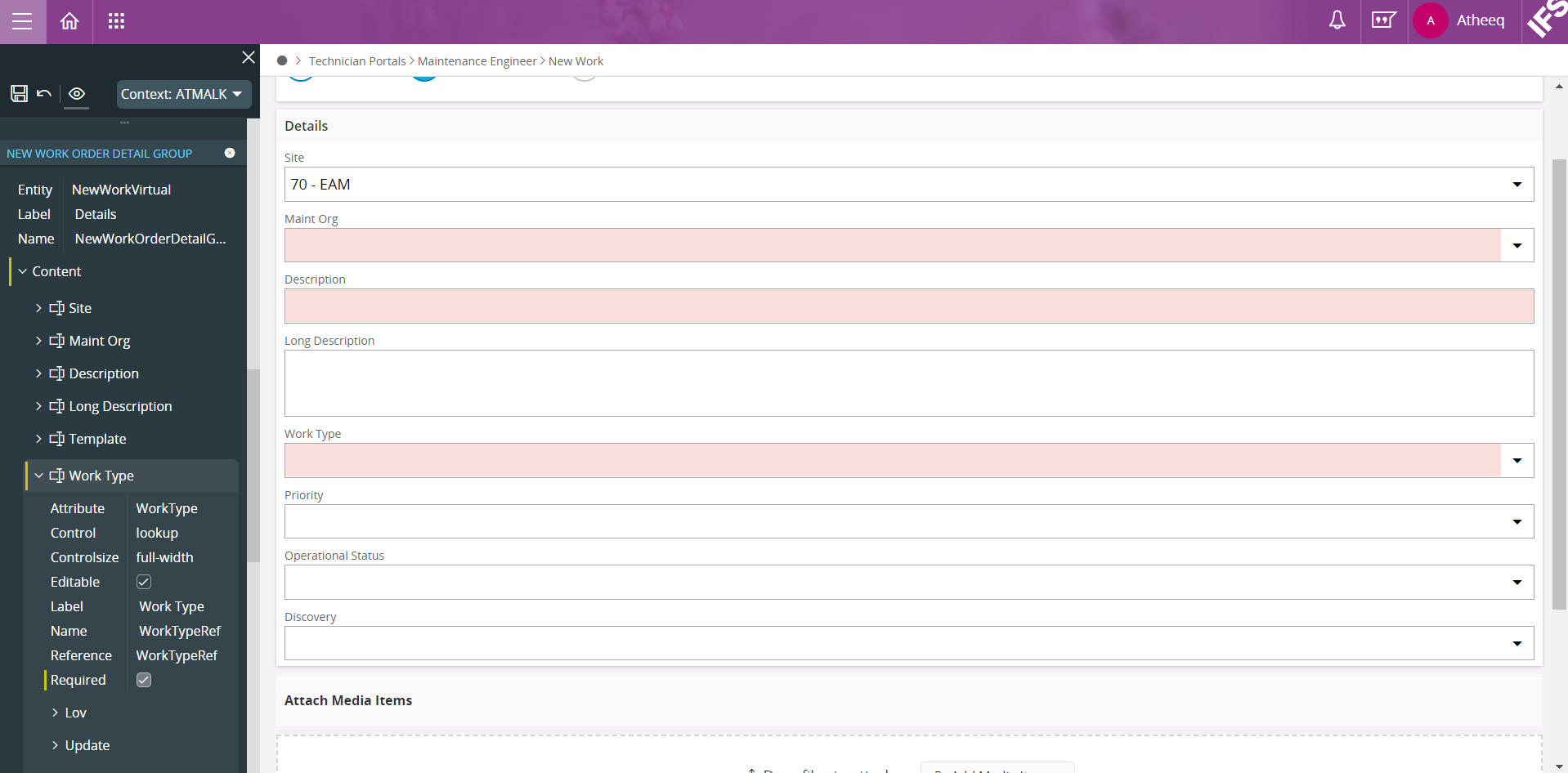
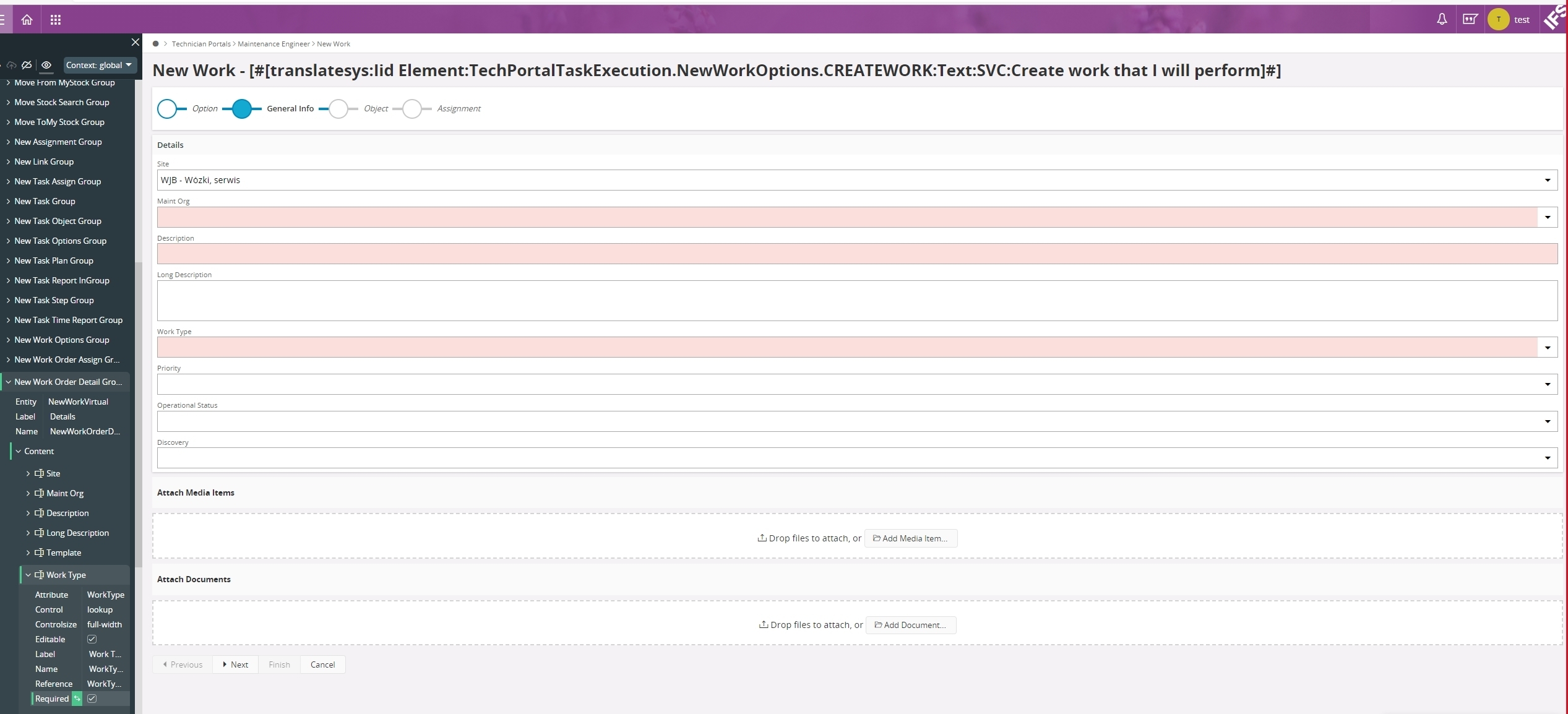
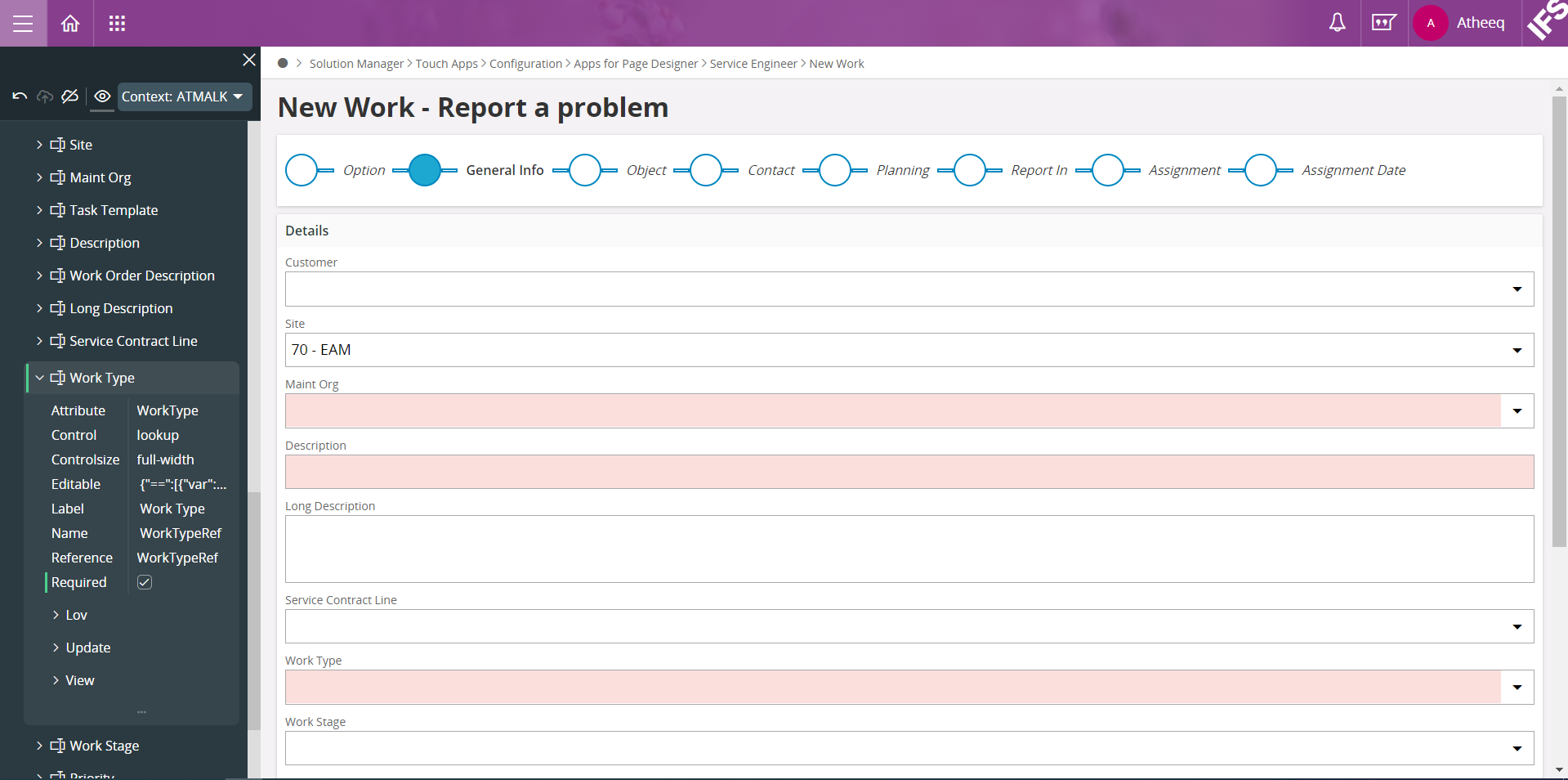
Hi @HubertZ , Navigate to the specific page through Aurena client. Select the page designer tab by clicking the username in the top right corner. Navigate to the Work Type field and enable the required field.
Page Designer
If you want this change to be reflected for all the users, select the global context -> save the changes and publish. If you want to provide the change for specific user/users, then create a new context. The newly created context should be selected and publish it. In the above screenshot I have created a context called "ATMALK".
There is a technical limitation in the framework on setting mandatory fields. For assistants and dialogs the mandatory validation for buttons are not considering the field mandatory attributes. The actual buttons are validated trough hardcoded expressions on the button itself. The expressions on these commands are not visible, enabled, supported by the Page Designer at the moment. This means that you can't use configuration layer to set mandatory flag on assistants and dialogs.
Ex: The existing fields in New Time Report window, Resource Group and Time Type can be set as mandatory via the page designer in Aurena client. But mandatory validation doesn’t work.