Hi All,
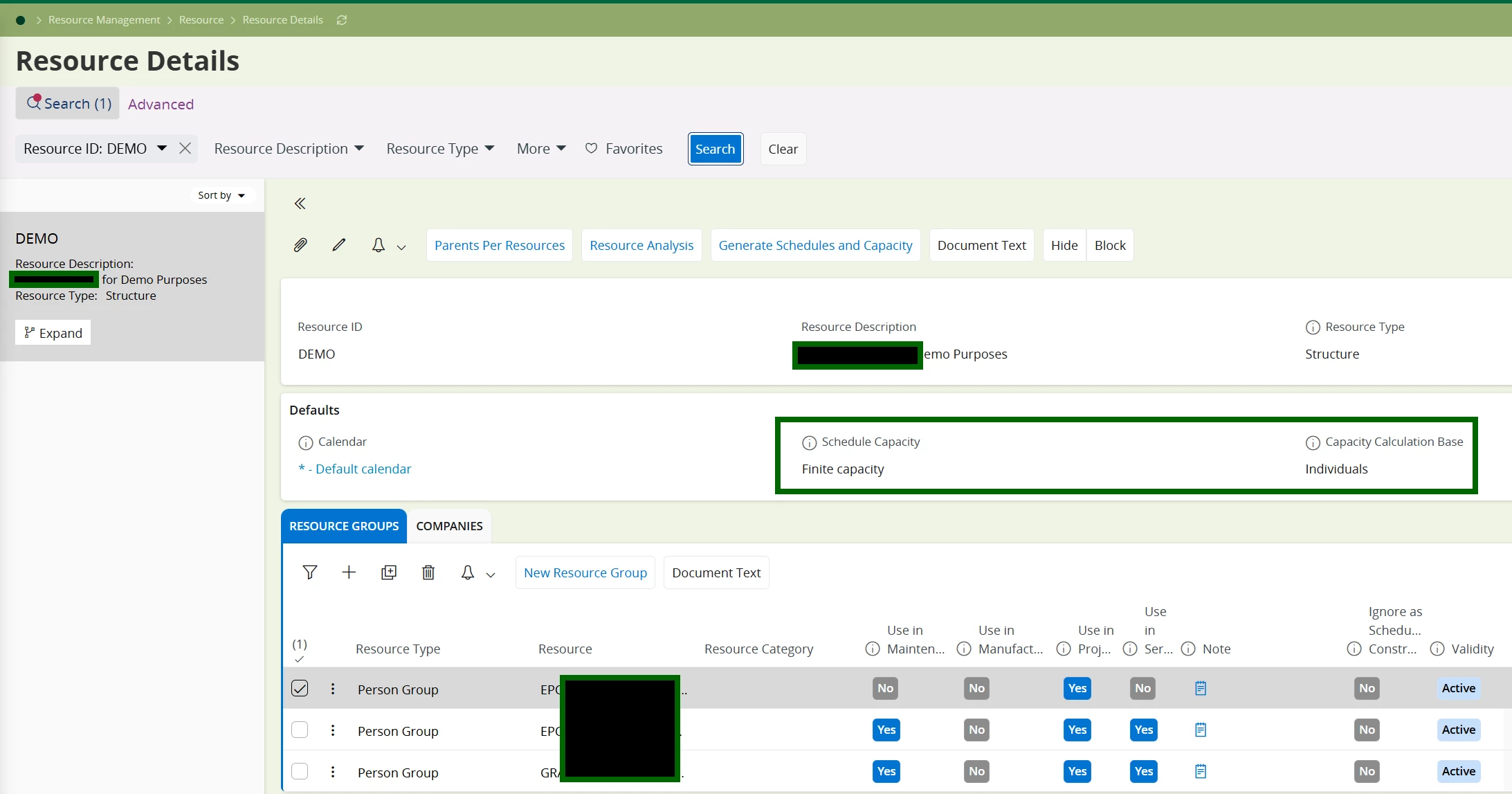
We are implementing Project Resource Planning module for a client, specifically the Activity Resource Planning screen. The Requirement is to ensure the system does not allow planned hours to exceed the available capacity of a resource group on any given day.
Current Behaviour:
At the moment, users can add planned hours to a resource group even when it surpasses the group’s available capacity for a day. This leads to negative available hours in the Resource Analysis screen, which should not be the case, and the system should give an error or information message before the record gets saved.
Question
- Caps planned hours to the available capacity of the selected resource group (per day), and
- Prevents the system from overloading the resource group (i.e., avoids negative availability in Resource Analysis),
- The system should automatically adjust the planned hours to future capacity and give an estimated job completion date.
What we are looking for:
- Any native settings, toggles, or parameters (e.g., validation rules, capacity checks) that enforce this behaviour.
-
Recommended processes to achieve this using standard IFS.
- If this is not available out-of-the-box, are there suggested alternatives (e.g., custom events, configurations, or extensions) that the community has successfully implemented?
- Any documented best practices for keeping resource group capacity in sync with planned hours and avoiding negative capacity in analysis.
Example Scenario
- Resource group capacity: 8 hours on 2025-12-15
- Planned hours entered: 10 hours
- Desired behaviour: System should either prevent entry > 8h or trigger a hard/soft validation (warning/error) to keep available capacity from going negative.
Note: There is a standard information appears if we do Resource Allocation at Project level itself but that is not possible at per business since allocation part would be handles by PSO after work order creation.
Regards
Abdul Rehman