

Hi All,
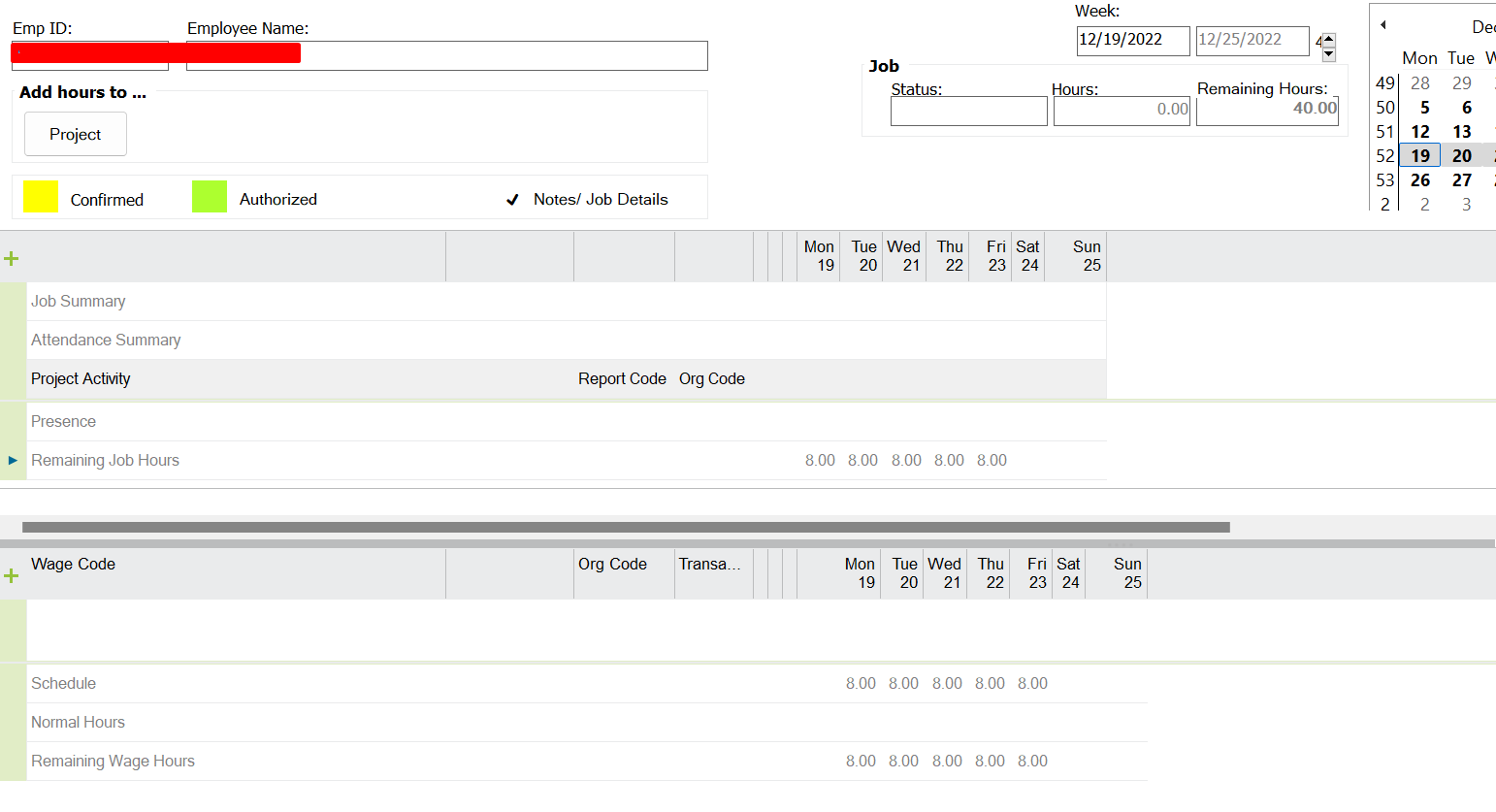
I found that one of the users has different time sheet view as below. Normally Wage code area should be in bottom area and Job summary area should be in header area. How can I reset this view?

Correct view should be as below.
Regards,
MalinG

Hi All,
I found that one of the users has different time sheet view as below. Normally Wage code area should be in bottom area and Job summary area should be in header area. How can I reset this view?
Correct view should be as below.
Regards,
MalinG
Best answer by Lasanthi Jinadasa
Hi
This set up will depend on the basic data on Time Registration Employee Time Base’.
If you have Job hour Control Wage Hours for your employee, job section will be on the top. Otherwise, it will be on the lower part.
For example, Clocking Control Wage Hours will set the wage hours section to the top.
Best Regards,
Lasanthi
Enter your E-mail address. We'll send you an e-mail with instructions to reset your password.
