Hi All
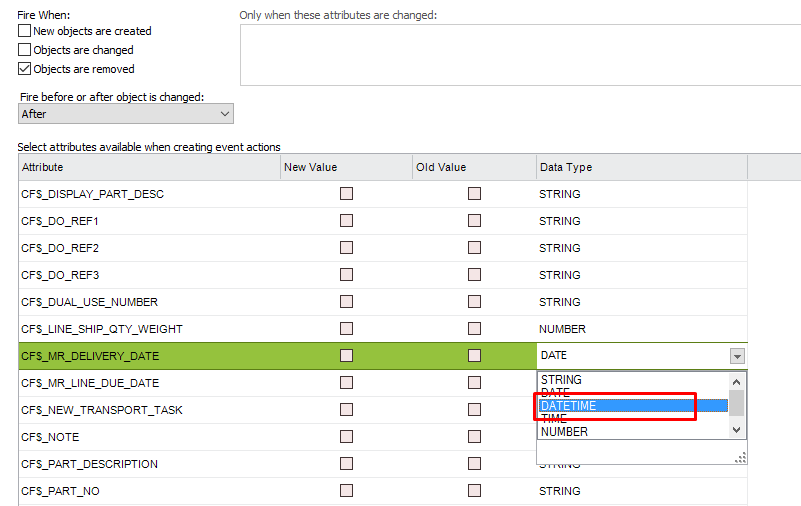
Im trying to create a custom event which needs to use the Time portion of a DATE field, in this case to run a check against Holiday Request records. When I put the event code in as follows, it only seems to bring through the Date itself with the Time always being set to 00.00.00. This is despite the Debug Console showing that the time being put into the database is something else such as 11.30.00.
Has anyone had any success with the use of Date and Time in custom events?
My event code currently is
DECLARE
TIME_TO_ TIMESTAMP := TO_TIMESTAMP('&NEW:TIME_TO', 'YYYY-MM-DD-HH.MI.SS');
BEGIN
error_sys.Record_General('',TIME_TO_);
END;
The error shows that only the Date part is filled. I have tried DATE instead of TIMESTAMP with the same result
Cheers
Gareth