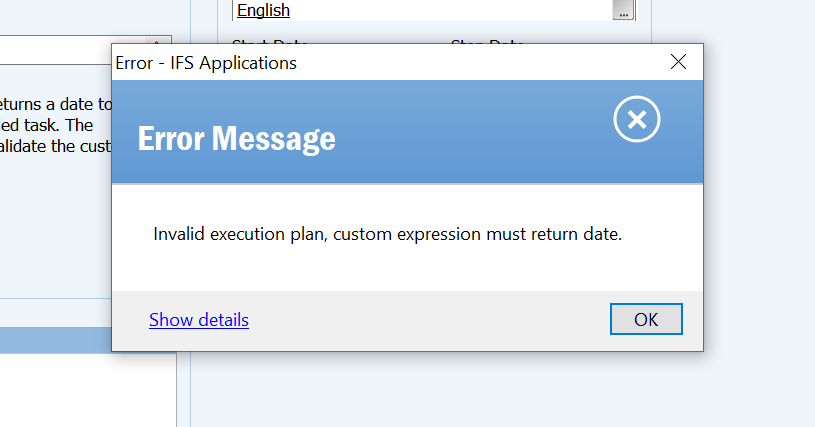
I received this question in a private message:
"I need to schedule a migration job every TUESDAY, WEDNESDAY, THURSDAY, FRIDAY every HOUR.
Could you please help me out with this requirement.”



 +19
+19I received this question in a private message:
"I need to schedule a migration job every TUESDAY, WEDNESDAY, THURSDAY, FRIDAY every HOUR.
Could you please help me out with this requirement.”
Best answer by durette
You want to use a calendaring expression.
https://docs.oracle.com/database/121/ARPLS/d_sched.htm#ARPLS72235
I believe this will give you what you want:
FREQ=HOURLY; BYDAY=TUE,WED,THU,FRI; BYMINUTE=0; BYSECOND=0;Using SQL*Plus, here’s how to check to see what a particular schedule expression will do. This code shows the next 50 occurrences of a schedule string starting from right now.
ALTER SESSION SET NLS_DATE_FORMAT='YYYY-MM-DD HH24:MI:SS';
ALTER SESSION SET NLS_TIMESTAMP_FORMAT='YYYY-MM-DD HH24:MI:SS.FF';
SET SERVEROUTPUT ON SIZE UNLIMITED
DECLARE
   start_date        TIMESTAMP;
   return_date_after TIMESTAMP;
   next_run_date     TIMESTAMP;
   calendaring_expression_ VARCHAR2(32767) :=
      'FREQ=HOURLY; BYDAY=TUE,WED,THU,FRI; BYMINUTE=0; BYSECOND=0;';
BEGIN
   start_date := SYSTIMESTAMP;
   return_date_after := start_date;
   FOR i IN 1..50 LOOP
      dbms_scheduler.evaluate_calendar_string(
         calendaring_expression_,
         start_date,
         return_date_after,
         next_run_date);
      dbms_output.put_line('next_run_date: ' || next_run_date);
      return_date_after := next_run_date;
   END LOOP;
END;
/
Enter your E-mail address. We'll send you an e-mail with instructions to reset your password.