Question

Lobby Element Designer Sizes

  • January 5, 2022
  • 3 replies
  • 205 views

Forum|alt.badge.img+10

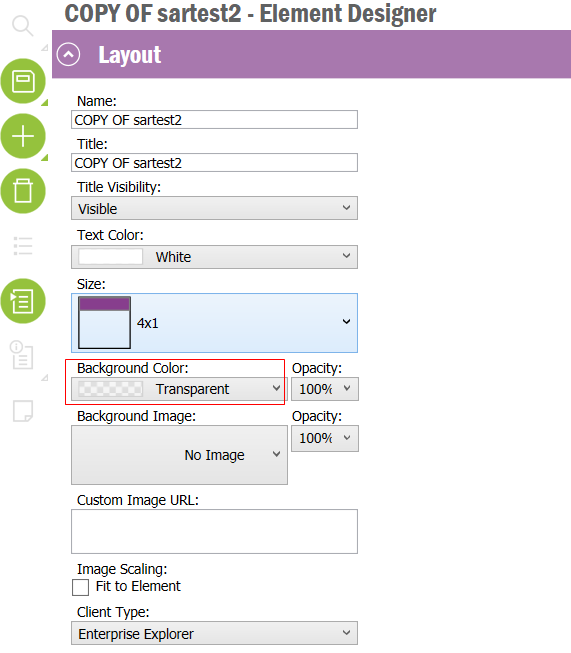
Is there a way to make the height of an Element smaller than “1”?


Right now the Size options are limited to a height of “1” or “2” (ex: 4 x 1; 2 x 2). We want to display a single line of text and do not need the Element size to be so large.


Suggestions are appreciated.

3 replies

Chathuranga Samarakoon
Hero (Partner)
Forum|alt.badge.img+12

Hi @hmccabe ,

The smallest size is 1x1 and you can refer below documentation for further information. 

Element Designer (ifs.com)


Rusiru Dharmadasa
Superhero (Employee)
Forum|alt.badge.img+20

It is just a ratio you get when specifying 4 x 1, 1 x 1. It is not possible to below 1. 1 x 1 would be the smallest element you get there. 


Making your element’s background color transparent might get something closer but not the exact thing you want. 


Forum|alt.badge.img+7

Is the question for IEE or IFS Cloud?  In cloud you can use the section. Another option is to add a text in the linked list.  There is also the element text if the content is related to a specific element.