Hi,
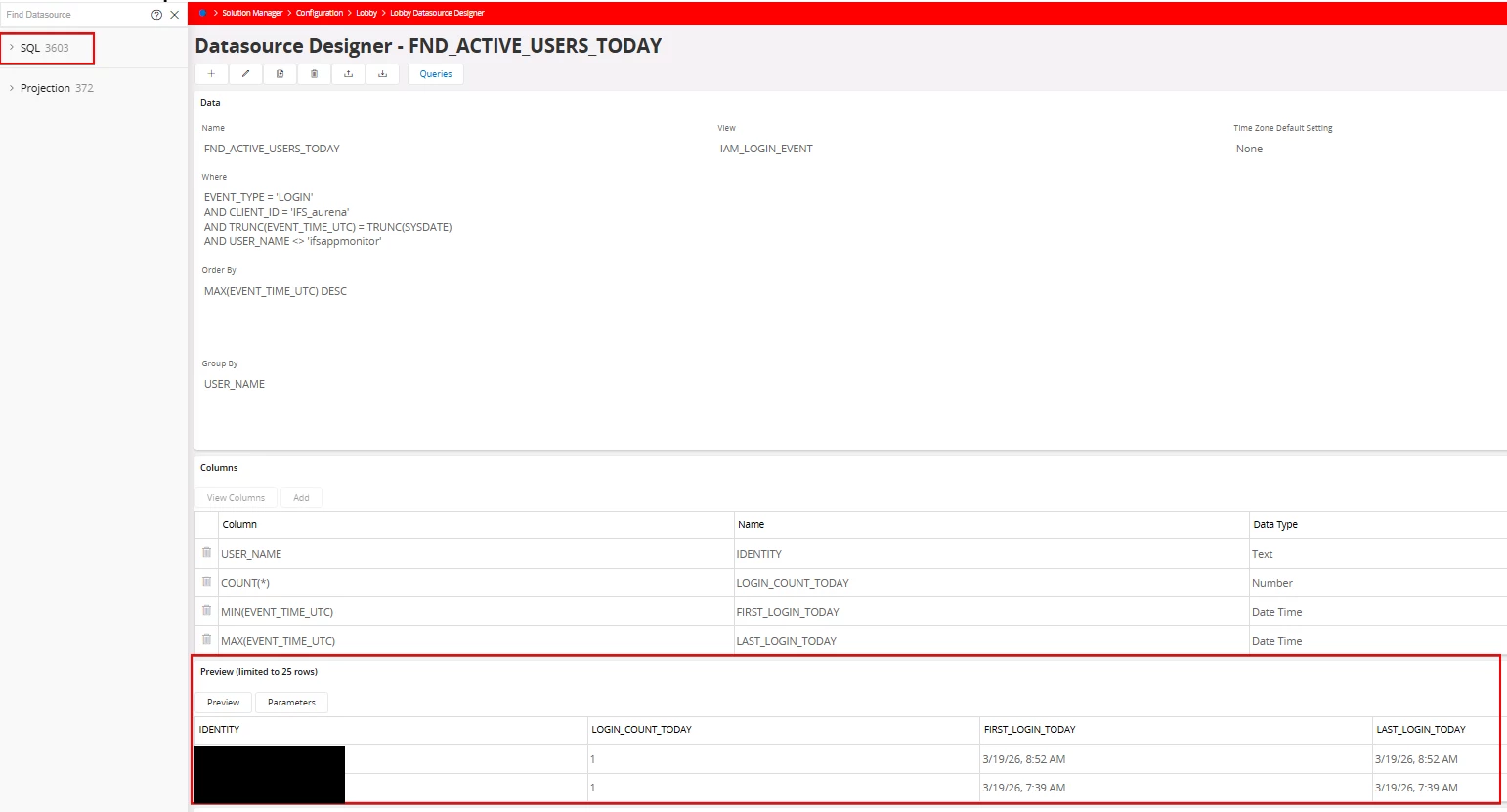
I suspect the issue may be related to the view/query I am using. I created a new Lobby Datasource, saved it successfully, and was able to preview output. However, when I try to add it to an element/dashboard, the datasource does not exist.
When I go back and check, the datasource is completely gone. The SQL counter also returns to its previous value (it increases when I create it, then drops back after it disappears).
I also checked permissions, and the datasource does not appear under Lobby Datasources there either.
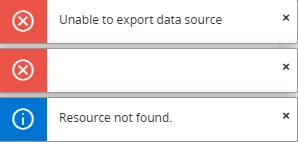
Additionally, if I try to export the newly created Lobby Datasource after saving it, I receive the attached error.
Has anyone seen this behavior before, or is there a known limitation related to the type of view/query being used?