Hi All,
We have followed all the steps in BelowPose as well as the technical documentation.
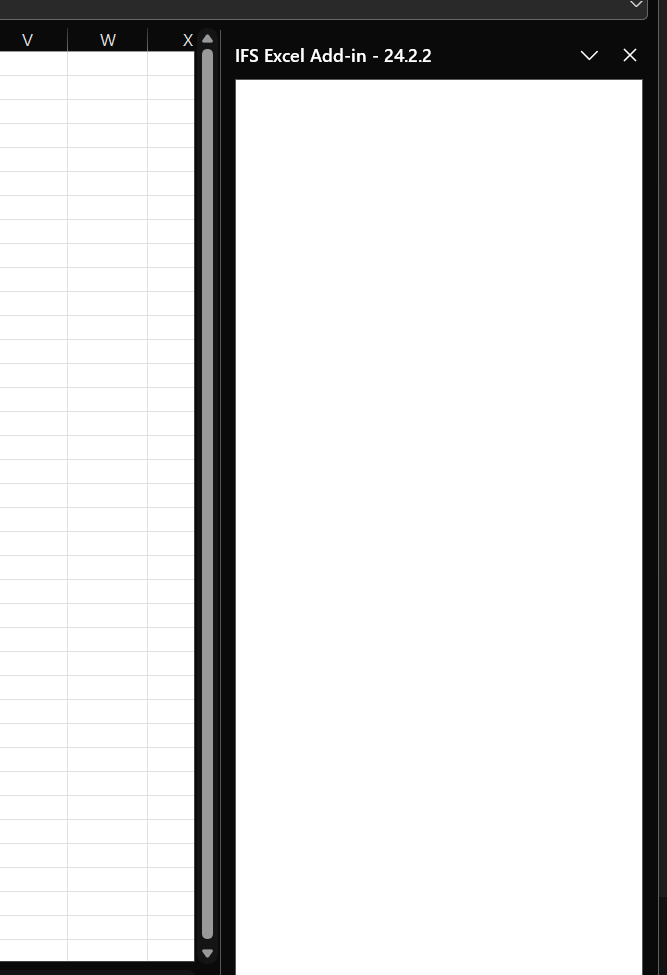
However, after logging in, we are encountering a blank white screen.
Could you please advise on how to resolve this?

 +3
+3Hi All,
We have followed all the steps in BelowPose as well as the technical documentation.
However, after logging in, we are encountering a blank white screen.
Could you please advise on how to resolve this?
Best answer by dsj
Hi
Have you granted the projection created for the migration job for the end users?
eg: - Migration job = INVOICE_ITEM_TEST - Projection name = InvoiceItemTestMigjobHandling
In addition, check if the users have granted FNDMIG_EXCEL_ADDIN permission set as well.
Regards,
Damith
Enter your E-mail address. We'll send you an e-mail with instructions to reset your password.