
Hi,
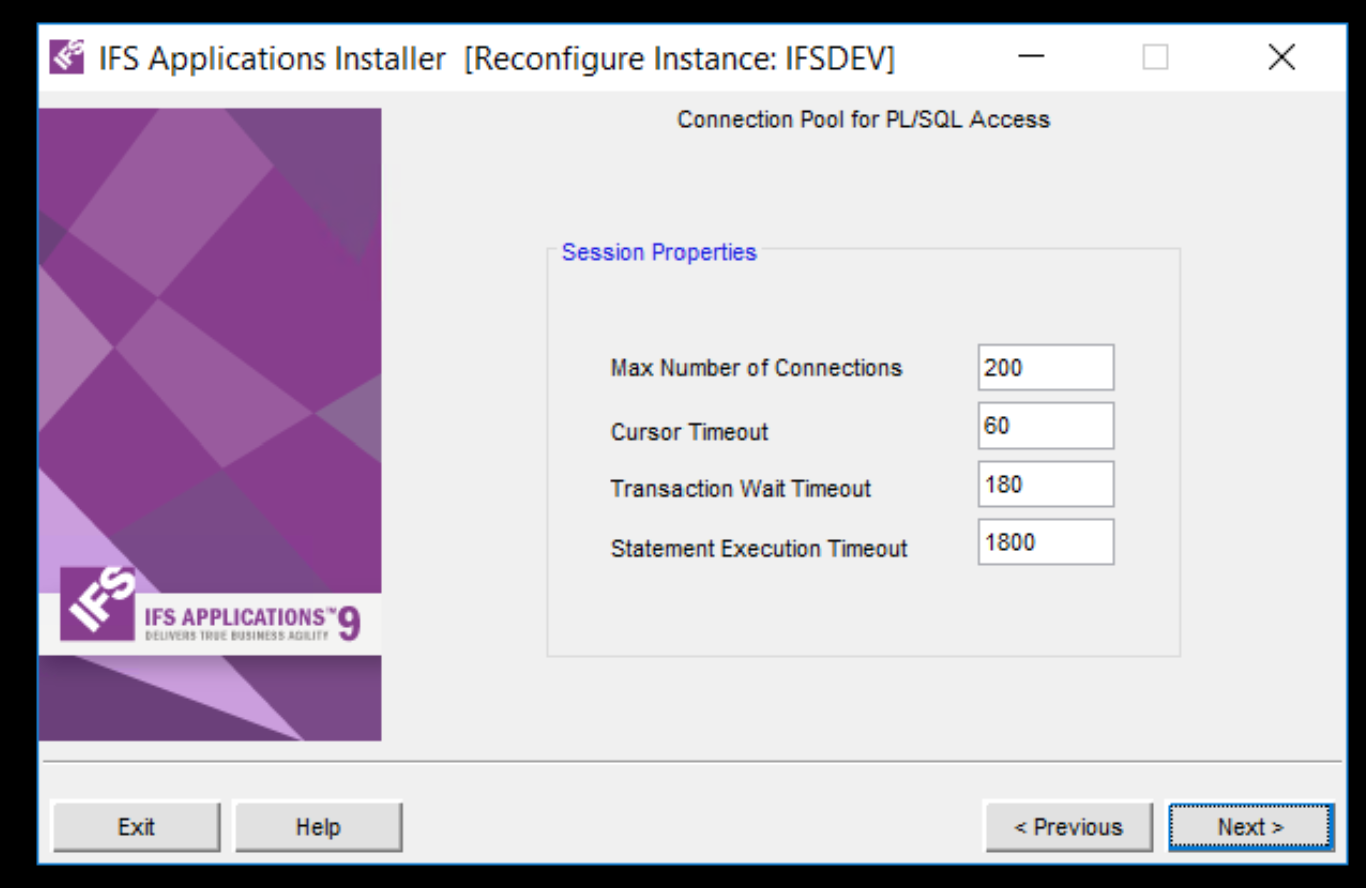
In APPS9 & APPS10, we could change the timeout parameters when configuring the application.(relevant screenshot is attached) But In the IFS cloud, how can we change these parameters? F1 documentation is not clear.

 +4
+4Hi,
In APPS9 & APPS10, we could change the timeout parameters when configuring the application.(relevant screenshot is attached) But In the IFS cloud, how can we change these parameters? F1 documentation is not clear.
Best answer by Charith Epitawatta
Hi
You can find the equivalent OData parameters here:
https://docs.ifs.com/techdocs/22r2/030_administration/150_setup/154_odata_provider/020_timeout/
These parameters can be defined in ifscloud-values.yaml file as of IFS Cloud 22R2. Find the documentation here:
For earlier releases, you can still set them directly in the Odata Deployment by editing the relevant environment variables in the Deployment.
Hope this helps!
Enter your E-mail address. We'll send you an e-mail with instructions to reset your password.


