Such customization can be done in the MWS Admin Console for each of the three available clients: ADMIN, B2B and DEFAULT.
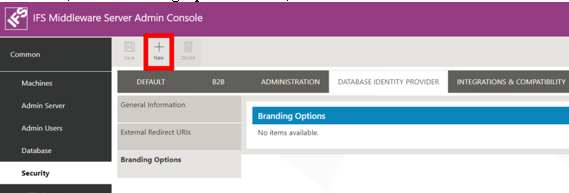
To do that, in the Branding Options section, within Security > Database Identity Provider.
Click on the New button.
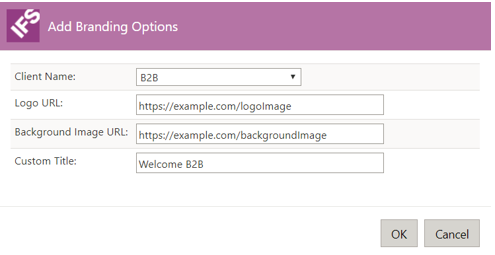
A popup window entitled Add Branding Options will open, where it is possible to choose a type of client in the Client Name dropdown, URLs for a logo and a background image, and a custom title.
A new line containing the branding information will be visible in the Branding Options table.