When I create a document using the report rule and attach it to the object, I receive a notification. Can this be disabled somewhere?
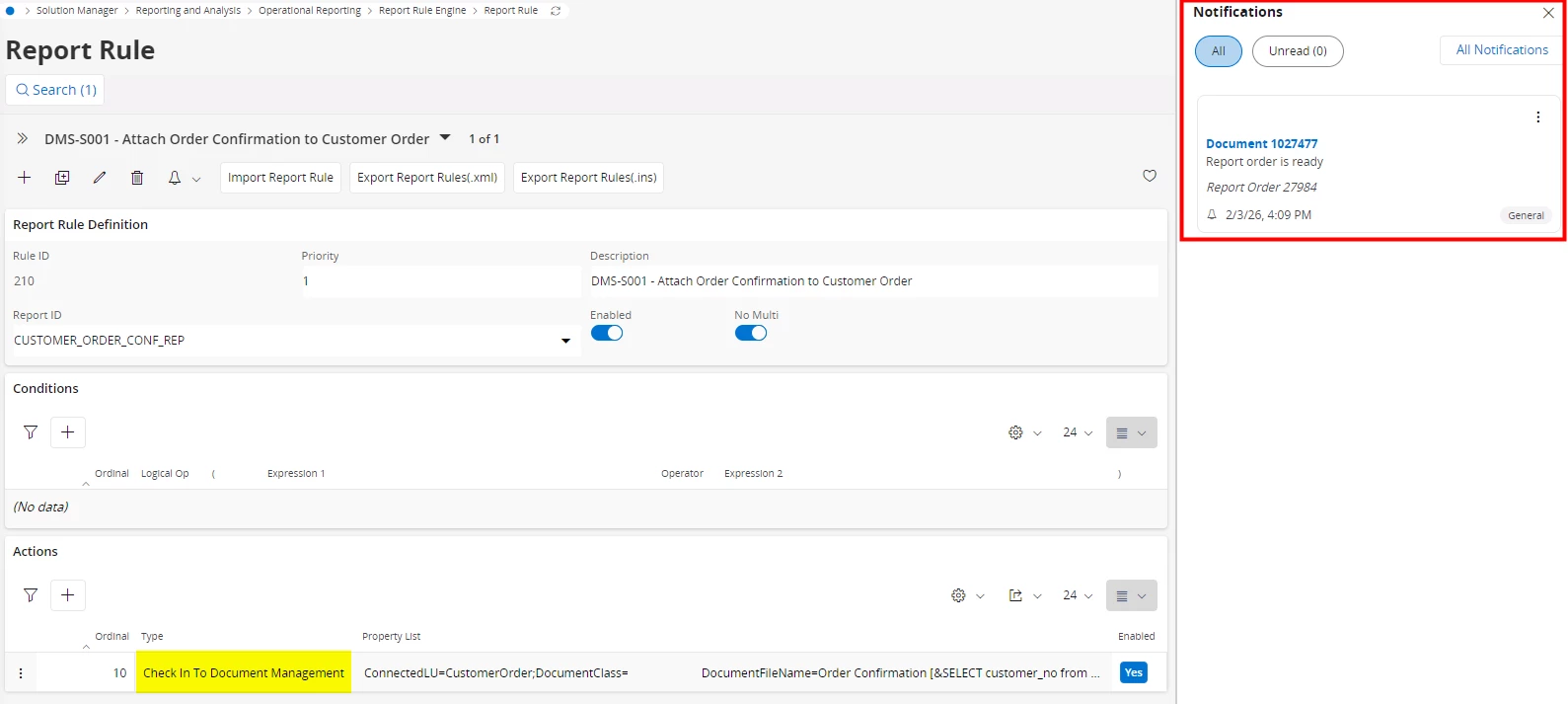
Hi @MikeCH,
All notification control in IFS Cloud happens through Subscriptions / Custom Events / In‑solution notifications.
Aurena Sidebar notifications are often triggered because your user is subscribed to a business event.
Go to:
My Administration → Subscriptions (Alerts)There you will see entries such as:
Any subscription listening to document‑related events will generate sidebar notifications.
To stop them: 🔧 Disable or delete the subscription associated with the document creation/check‑in event.
IFS Cloud documentation confirms that Subscriptions control in‑solution notifications (the same ones appearing in the Aurena Sidebar).
Admins can disable the event centrally if it’s not user‑specific.
Solution Manager → Event Actions / Custom Events
Look for events like:
DocumentCreated
DocumentRevisionCreated
DocumentConnected
Inside the event you’ll find an Action of type:
To stop the sidebar notification: 🔧 Remove or disable the Send Notification action from this custom event.
Custom events are used for notification logic outside Document Management, such as push, sidebar, or workflow-driven notifications.
Some setups invoke a Workflow when a new document is created (especially report‑driven documents).
To check:
Workflow Designer → In‑Solution Notification nodes
If your workflow includes a step like “Send Notification”: 🔧 Disable or remove that node.
Workflows are one of the three built‑in ways IFS Cloud triggers in‑solution notifications.
Hope this helps!
Regards,
Pilar
Ask the community for help!
Already have an account? Login
No account yet? Create an account
Enter your E-mail address. We'll send you an e-mail with instructions to reset your password.

Sorry, we're still checking this file's contents to make sure it's safe to download. Please try again in a few minutes.
Sorry, our virus scanner detected that this file isn't safe to download.