


Solved

Bulk Set Report Expiration Date

  • May 13, 2025
  • 3 replies
  • 71 views

Forum|alt.badge.img+1

Hello, 

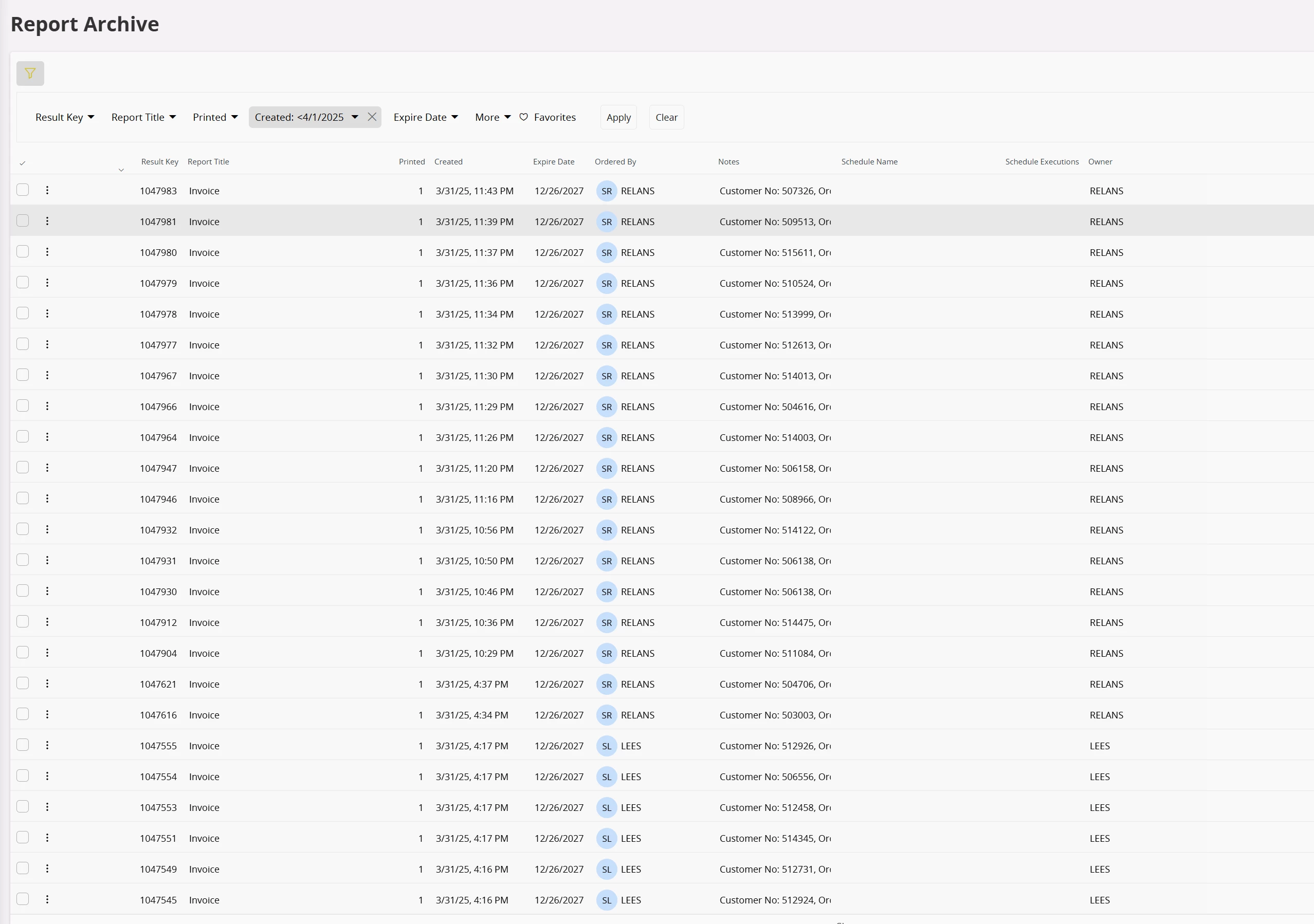
Does anyone know if there is a way to update the expiration date in bulk on the ‘Report Archive’ screen in IFS Cloud? I’m trying to do some data cleanup. I’ve already set the default to expire but that doesn’t affect what has already been printed in the past. 

I have seen the -- Archive_Distribution_API.set_Expire_Date but it doesn’t look like there is anything in that ARCHIVE_DISTRIBUTION view or anything in the ARCHIVE view so I am confused where this data is stored. 

Any help is appreciated, thank you. 


Best answer by Abdul

Hi ​@Ewilliams,

I have checked, the system is calling Report_Archive_SVC.Do_Change_Exp_Date method to change Expiry Date. Please create a migration job with this method and check.


Regards

Abdul Rehman

3 replies

Abdul
Superhero (Partner)
Forum|alt.badge.img+20
  • Superhero (Partner)
  • Answer
  • May 13, 2025

Hi ​@Ewilliams,

I have checked, the system is calling Report_Archive_SVC.Do_Change_Exp_Date method to change Expiry Date. Please create a migration job with this method and check.


Regards

Abdul Rehman


Forum|alt.badge.img+1
  • Author
  • Do Gooder (Customer)
  • May 14, 2025

Hey ​@Abdul, that’s super helpful! Thank you. 

Dumb question, would I use the MIGRATE_SOURCE_DATA type of migration job to set up this type of migration? 

Thanks, 
Eli


Abdul
Superhero (Partner)
Forum|alt.badge.img+20
  • Superhero (Partner)
  • May 14, 2025

@Ewilliams, Yes, Procedure Name will be MIGRATE_SOURCE_DATA for migration job.


