

Solved

Auto-populate new inventory part numbers

  • May 5, 2021
  • 3 replies
  • 669 views

MWitczak
Hero (Customer)
Forum|alt.badge.img+10

When creating a new inventory part, is it possible to auto-populate a number into that field?  Perhaps using an Oracle sequence?  Just checking to see if any of you skilled individuals out there have done something like this before.


We use IFS10 Update 6 currently.
Best answer by AanHGTS

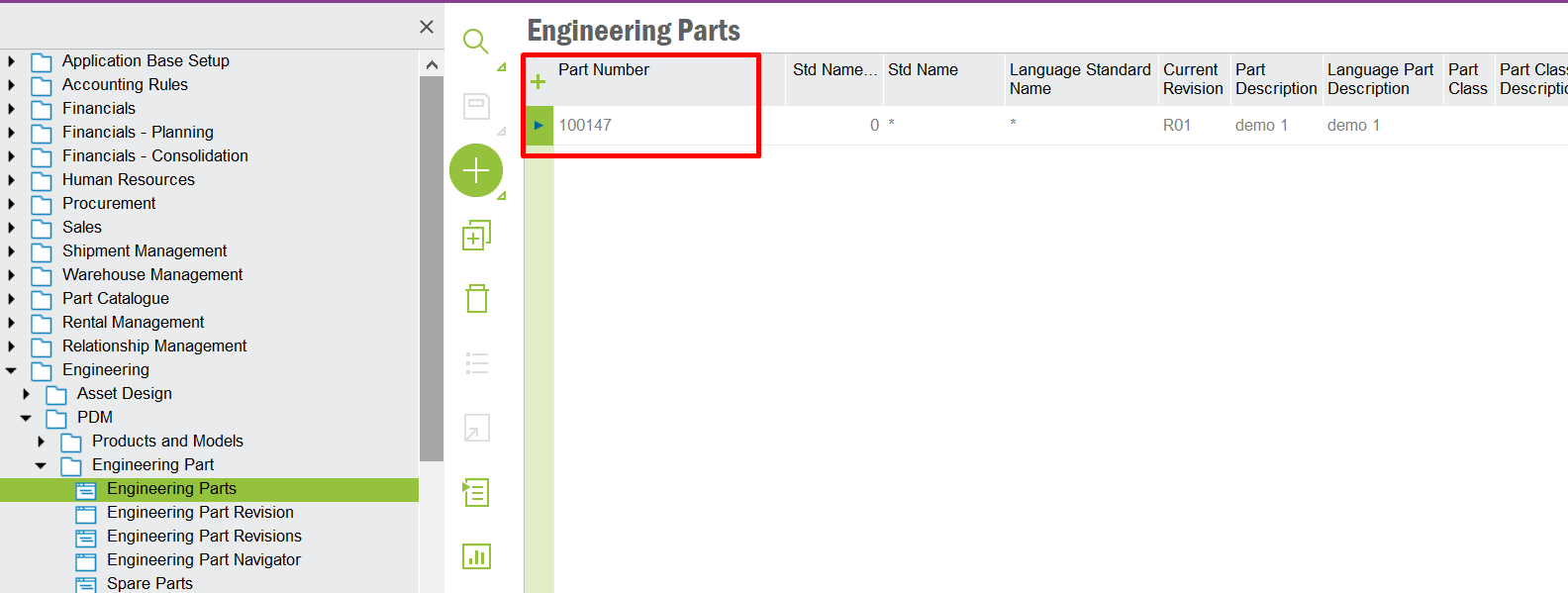
@MWitczak You can achieve this if you start creating parts from Engineering. 


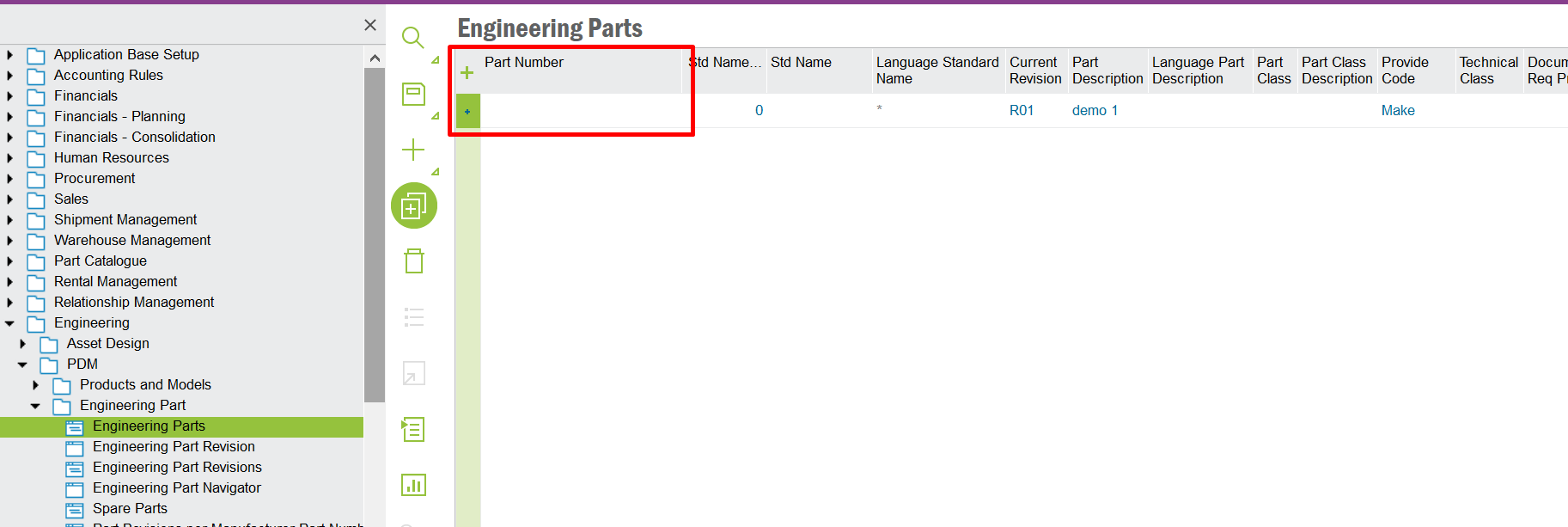
Go to Engineering Parts create new record and give only the Part Description and keep the Part Number field EMPTY and Save.


When you create an Eng Part next time it will be the next available sequence number automatically generated. 


Then you can use Engineering Transfer or Create Inventory Part functionalities to create the Inventory Part.

This topic has been closed for replies.

3 replies

Technical Outlaws
Hero (Employee)
Forum|alt.badge.img+11

You are referring to auto-populating the inventory part number during creation, right?


I have seen this type of request before from customers, and it is not something that can be easily achieved or at all with configurations especially since we are dealing with a key to the record.


The cleanest and robust solution would be considering a modification.


Kelum Pradeep Kumara
Superhero (Employee)
Forum|alt.badge.img+18

@MWitczak 
Normally Inventory part number filed in Inventory Part window is String type variable and Its a editable field. If you need to change it as a number filed with Auto Populate fetcher , you need to do it as a customization change.


AanHGTS
Hero (Partner)
Forum|alt.badge.img+12
  • Hero (Partner)
  • Answer
  • July 22, 2021

@MWitczak You can achieve this if you start creating parts from Engineering. 


Go to Engineering Parts create new record and give only the Part Description and keep the Part Number field EMPTY and Save.


When you create an Eng Part next time it will be the next available sequence number automatically generated. 


Then you can use Engineering Transfer or Create Inventory Part functionalities to create the Inventory Part.