Question

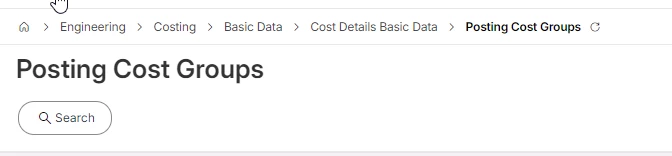
R25.1.5 Posting Cost Group '*'

  • February 13, 2026
  • 1 reply
  • 18 views

Hi

We just updated to the Release R25.1 and are running into a big problem in finance.

Suddenly we have transactions on a Posting Cost Group ID ‘*’ even thought this group is not set up in Posting Cost Groups. And we are talking within 10 days of 300-400K. 

Can anybody tell us where we find the setting? Ususally if a basic data is not entered all transactions should run into an error but here they go right into the GL.

 

Is it something we can turn off or do we have to open a ticket with IFS?


Thanks for any help.

JT

1 reply

Forum|alt.badge.img+19
  • Superhero (Employee)
  • February 18, 2026

Hi, 

It’s easy to set up and use the posting cost group functionality.  - I’ve never tried to stop usage.   

To set it up, go into posting cost groups for a given company and set up the appropriate values. 

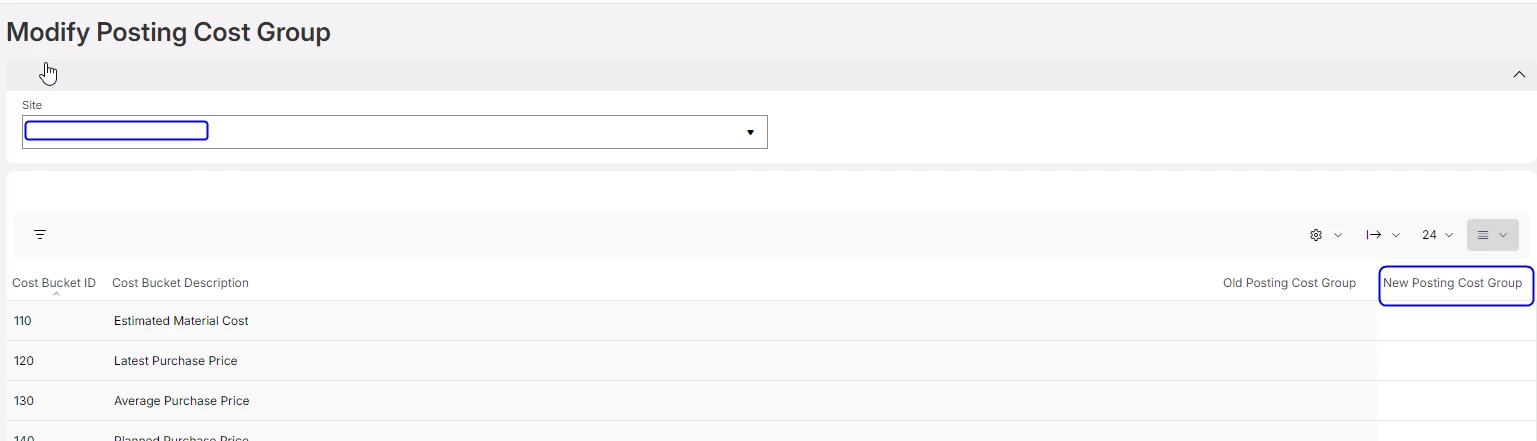
In the bottom of the window add / edit values.    This is just the basic data.  Then you connect the posting cost groups to cost buckets. You make the connections in the Modify posting cost groups screen, where you enter the posting cost group in the new column. 

 My thoughts are once set up; you may not be able to go back.  

Hypothetically, without knowing if you have errors / other, the * may not cause any difficulties, and if you only have 1 posting cost group, data is not dynamically increased. 

Suggest creating a case for support.    

Best regards, 

Thomas