Question

Create Instant Invoice Aurena

  • May 17, 2022
  • 3 replies
  • 116 views

Forum|alt.badge.img+7

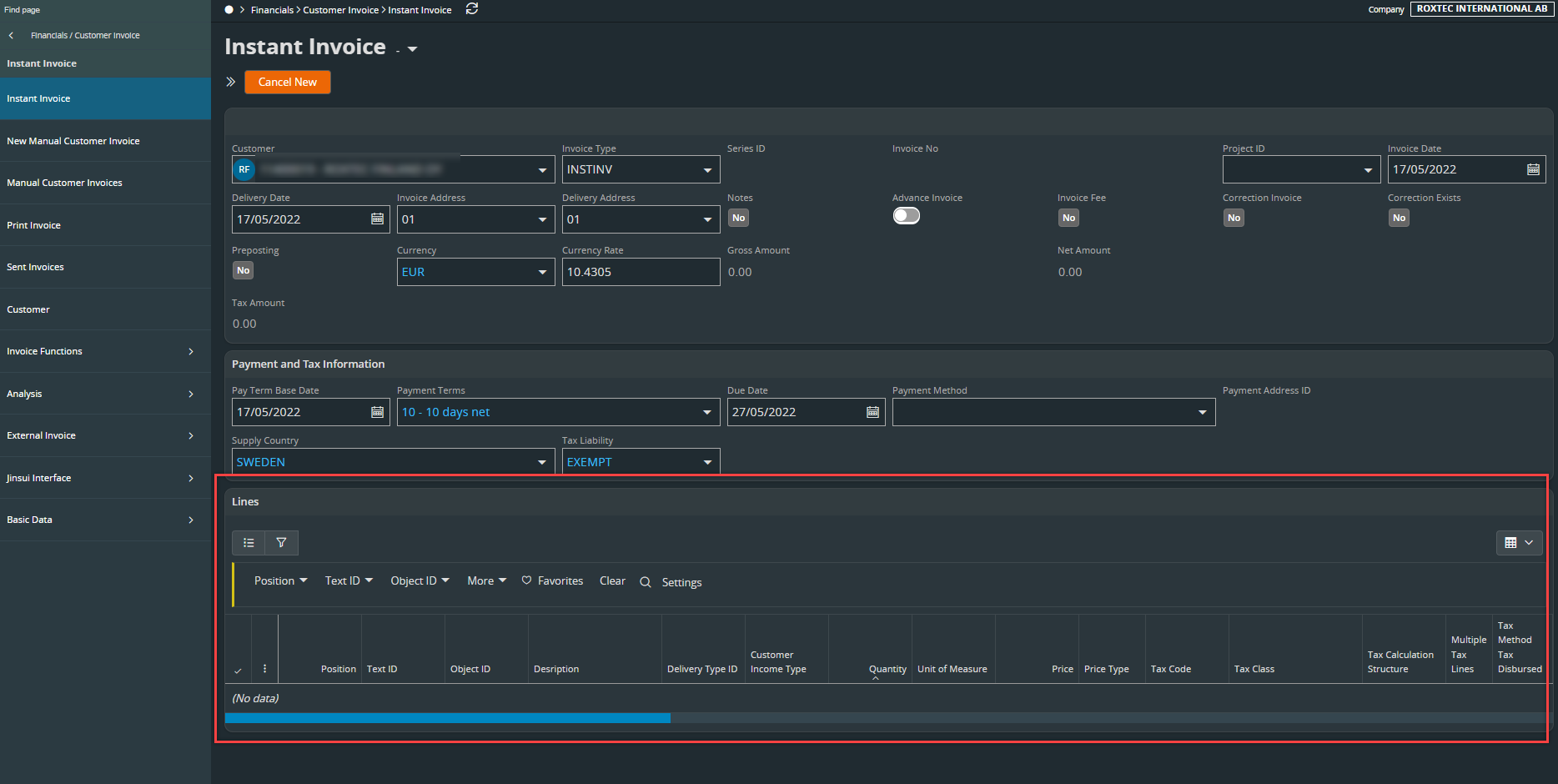
I can’t figure out how to add lines when creating an Instant Invoice in Aurena. What am I missing? 
 

3 replies

Forum|alt.badge.img+7

Hello,


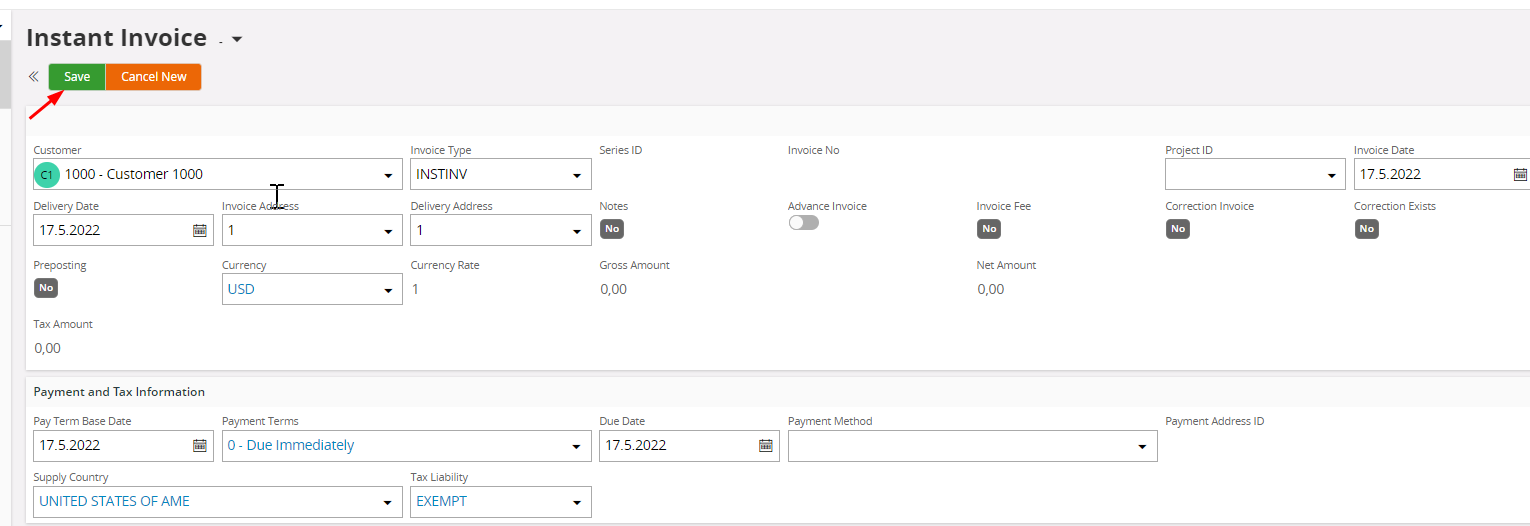
Actually when you create a new instant invoice you can save the settings entered in the header: 


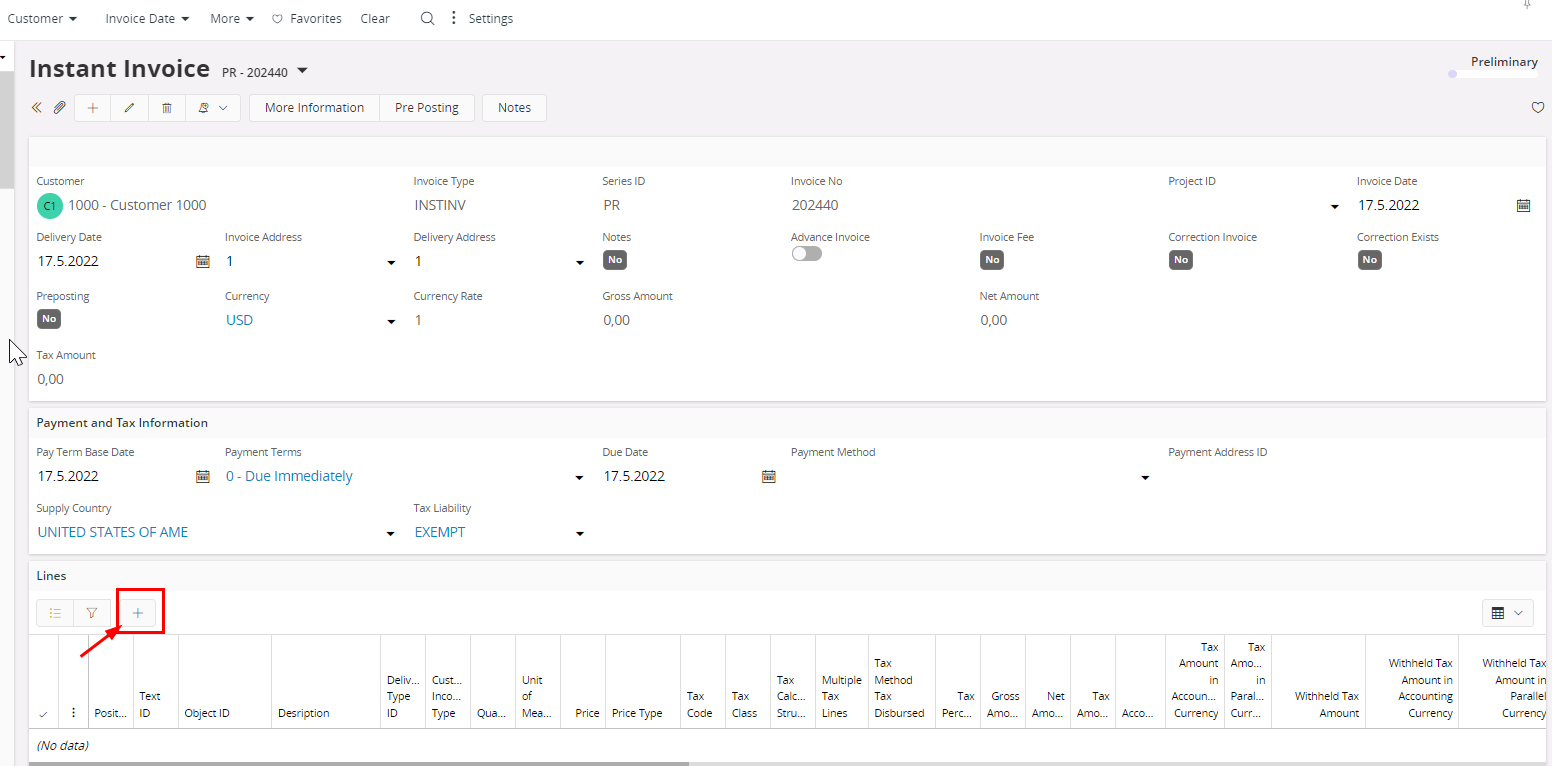
Then you can add a new line to your Preliminary Invoice (Series ID: PR) with the plus sign: 


Best regards

Georgios


Forum|alt.badge.img+7
  • Author
  • Sidekick (Customer)
  • May 18, 2022

Hello,


Actually when you create a new instant invoice you can save the settings entered in the header: 


Then you can add a new line to your Preliminary Invoice (Series ID: PR) with the plus sign: 


Best regards

Georgios

Hi Georgios, 

Yes, that’s what I thought. Create a new, save and then add lines. 

However I don’t get a save button activated. 

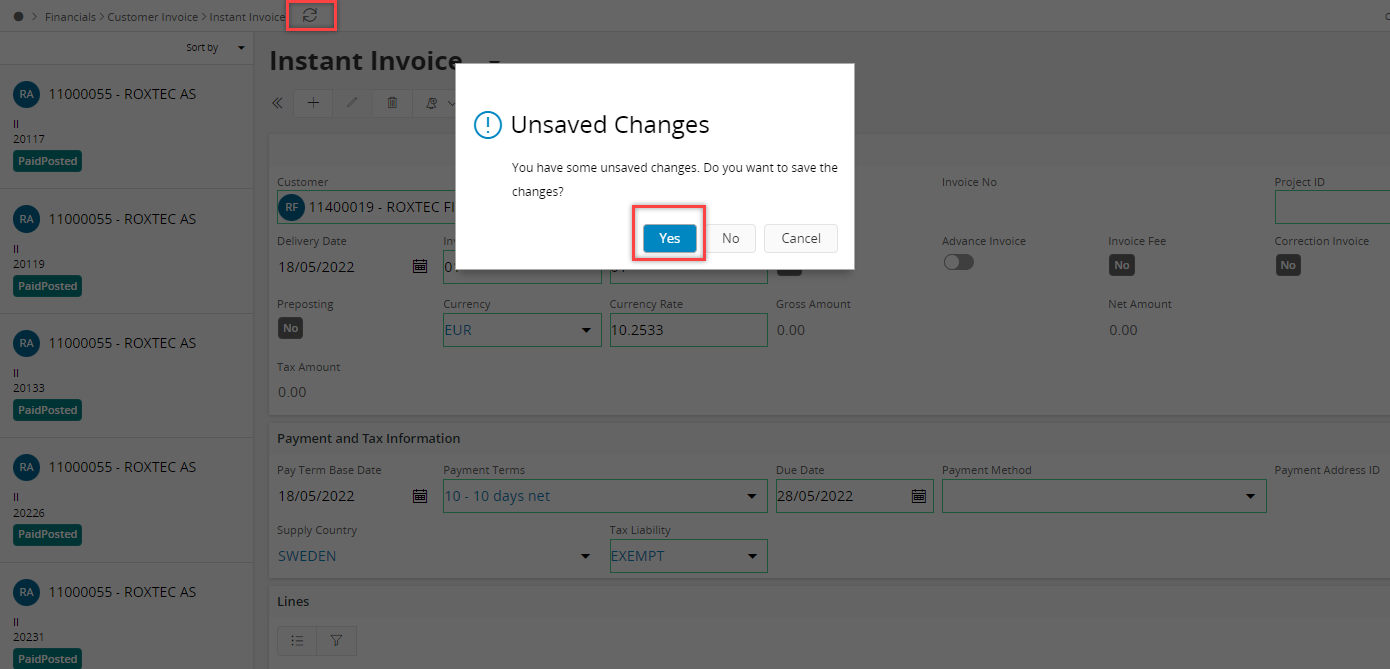
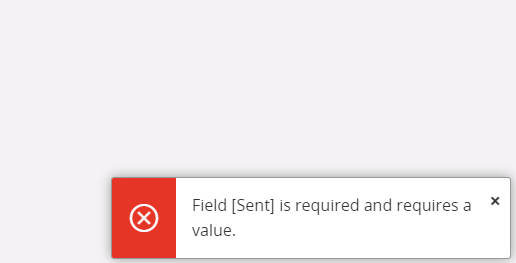
Then I tried to refresh and see if I could save my entries that way but gout below error message. 


Forum|alt.badge.img+7

Can’t find anything regarding this error message. If another colleague has no idea I recommend to create a new Support Case because I can’t rule out that this might be a technical issue.