Question

Map provider not configured

  • January 5, 2026
  • 8 replies
  • 41 views

Forum|alt.badge.img+9

Hi all,

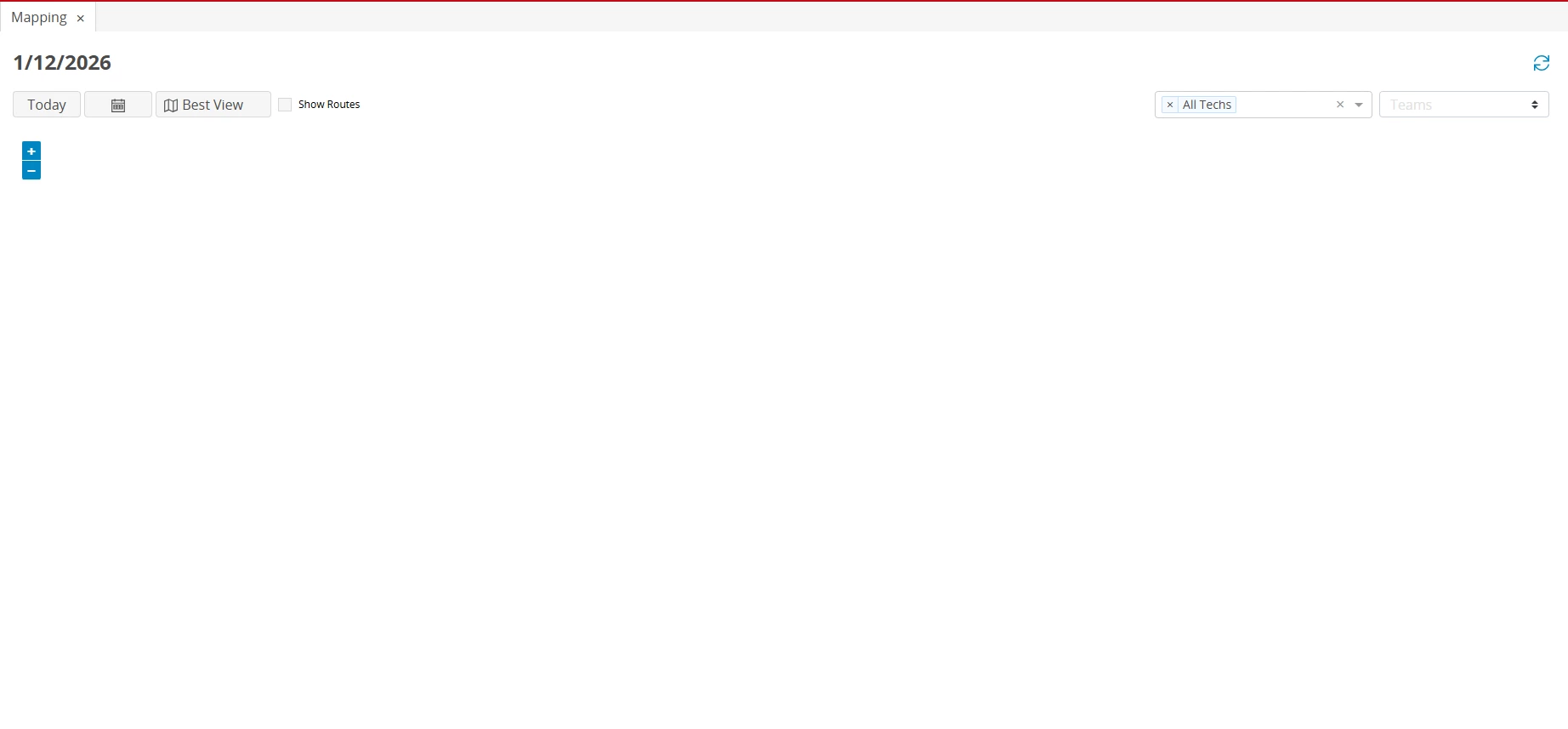
When I open 'Map' via the Schedule Board, I get the message 'Map provider not configured'. The same thing happens with the map at an address.

Does anyone know where to configure the map? I would like to use Azure Maps since Bing Maps is being deprecated. 

Regards,

8 replies

Alexander Heinze
Ultimate Hero (Employee)
Forum|alt.badge.img+23
  • Ultimate Hero (Employee)
  • January 6, 2026

Can you share a screenshot?


roklde
Superhero (Employee)
Forum|alt.badge.img+27
  • Superhero (Employee)
  • January 7, 2026

@drooij could you please specify which IFS Application you are talking about?

Best regards
Roman


Forum|alt.badge.img+9
  • Author
  • Sidekick (Customer)
  • January 12, 2026

Can you share a screenshot?


Forum|alt.badge.img+9
  • Author
  • Sidekick (Customer)
  • January 12, 2026

@drooij could you please specify which IFS Application you are talking about?

Best regards
Roman

FSM


Forum|alt.badge.img+9
  • Author
  • Sidekick (Customer)
  • January 12, 2026

Can you share a screenshot?

Shared the screenshot, used to display the text 'Map provider not configured'. But the result is the same, the map is not showing. And the api key for Azure Maps is valid, but I think it's still referring to Bing maps.

The map is from ‘Schedule Board’ > ‘Map’


roklde
Superhero (Employee)
Forum|alt.badge.img+27
  • Superhero (Employee)
  • January 12, 2026

Hi ​@drooij,

Bing Maps has stopped working for free accounts after June 2025, and it will remain available only for existing Enterprise customers until June 2028. Although Azure Maps can be used as an alternative, it currently supports only geocoding and does not provide the full functionality required for features such as the schedule board or other map-based visualizations.
Microsoft also stopped new license purchase June onwards so you won’t be able to purchase an Enterprise subscription anymore.

Enabling Azure Maps requires extensive development across several core areas of the product, including the Smart Client, Web Client, and Mobile interfaces. Our R&D team is aware of the situation and they plan to release an enhancement with one of the upcoming FSM updates. Please raise a support case, if you require more detailed information about the timeline.


Best regards
Roman


Forum|alt.badge.img+9
  • Author
  • Sidekick (Customer)
  • January 14, 2026

Hi ​@drooij,

Bing Maps has stopped working for free accounts after June 2025, and it will remain available only for existing Enterprise customers until June 2028. Although Azure Maps can be used as an alternative, it currently supports only geocoding and does not provide the full functionality required for features such as the schedule board or other map-based visualizations.
Microsoft also stopped new license purchase June onwards so you won’t be able to purchase an Enterprise subscription anymore.

Enabling Azure Maps requires extensive development across several core areas of the product, including the Smart Client, Web Client, and Mobile interfaces. Our R&D team is aware of the situation and they plan to release an enhancement with one of the upcoming FSM updates. Please raise a support case, if you require more detailed information about the timeline.


Best regards
Roman

So you saying without the possibility to request a new API key via Enterprise, the maps cannot be used anymore? 

Regards,


roklde
Superhero (Employee)
Forum|alt.badge.img+27
  • Superhero (Employee)
  • January 14, 2026

Hi ​@drooij,

Bing Maps has stopped working for free accounts after June 2025, and it will remain available only for existing Enterprise customers until June 2028. Although Azure Maps can be used as an alternative, it currently supports only geocoding and does not provide the full functionality required for features such as the schedule board or other map-based visualizations.
Microsoft also stopped new license purchase June onwards so you won’t be able to purchase an Enterprise subscription anymore.

Enabling Azure Maps requires extensive development across several core areas of the product, including the Smart Client, Web Client, and Mobile interfaces. Our R&D team is aware of the situation and they plan to release an enhancement with one of the upcoming FSM updates. Please raise a support case, if you require more detailed information about the timeline.


Best regards
Roman

So you saying without the possibility to request a new API key via Enterprise, the maps cannot be used anymore? 

Regards,


Yes, that’s correct. 

Best regards
Roman