I am trying to use gmail as the host for sending POs to supplier contacts via email. I am getting an error message that the username and password are not accepted. I am using my personal gmail account as the host to practice/test (to see if I can get it to work), as the customer is using gmail as their corporate email. I have checked and rechecked the username and password and I am sure it is correct (it is my personal gmail account after all:))
Here is how the mail sender is set up:
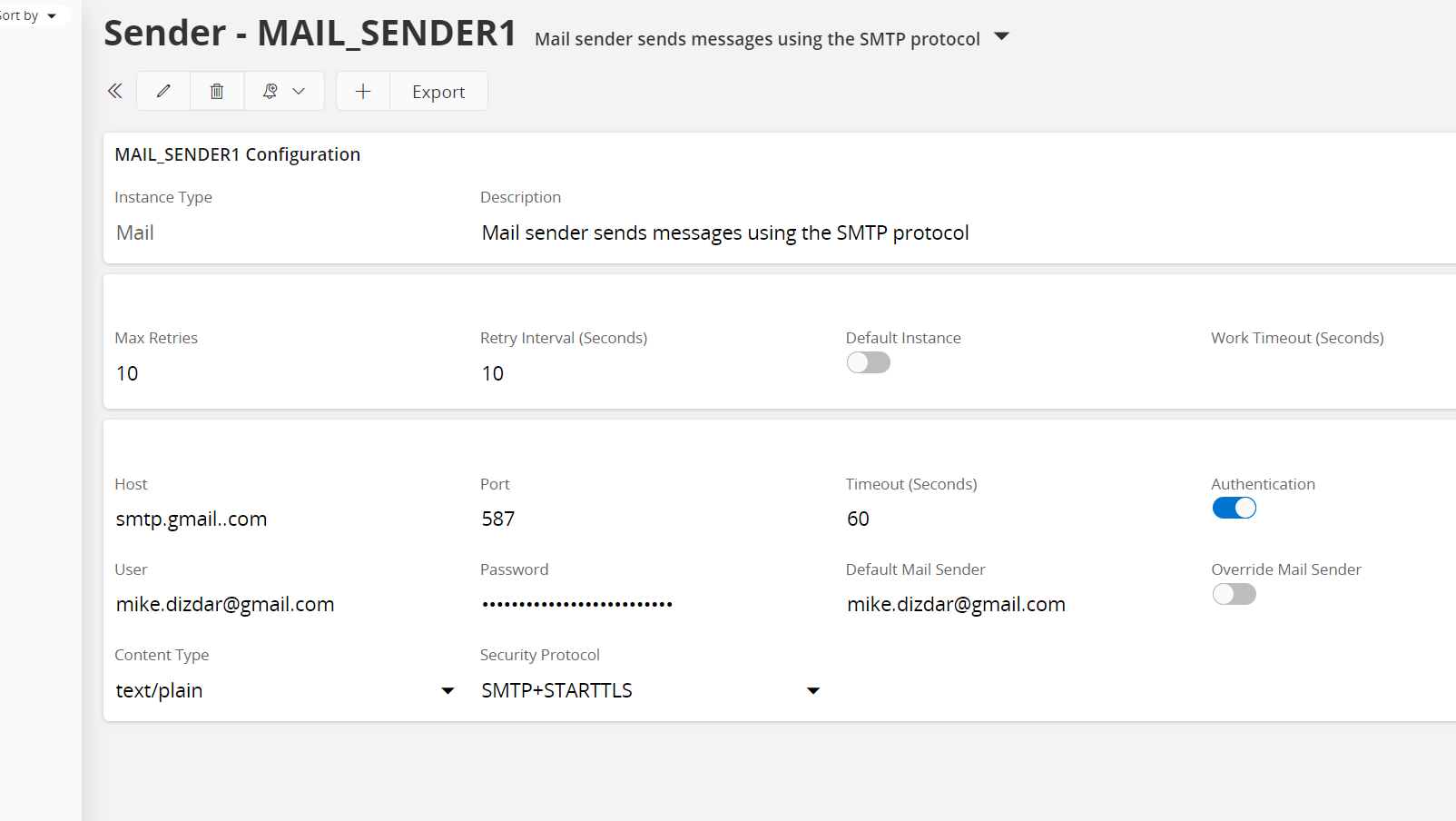
If I change the host, user, password, and default mail sender to my company’s Outlook 365 info, I can generate emails with PO attached. It is just when I use the gmail info that I get an error message and am not able to send emails with PO attached through the Purchase Order screen.