Solved

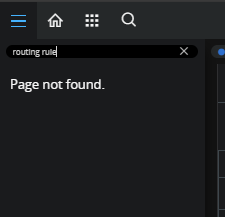
Is there Authorizer Assigning Rule window in IFS cloud?

  • August 22, 2024
  • 3 replies
  • 99 views

Forum|alt.badge.img+2

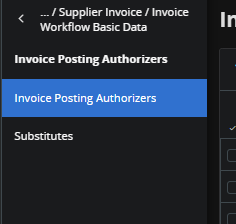
I have investigated how to automatically fill in my approvers once the posting proposal window is filled, but I can't find a way to do this in IFS cloud, and I cannot find the Routing Rule tab in my IFS Cloud either.
 

IFS Cloud
IFS app
Routing
Posting Proposal


I would like to know what options I should enable to make this possible and what permissions I should have.
Best answer by Furkan Zengin

Hello

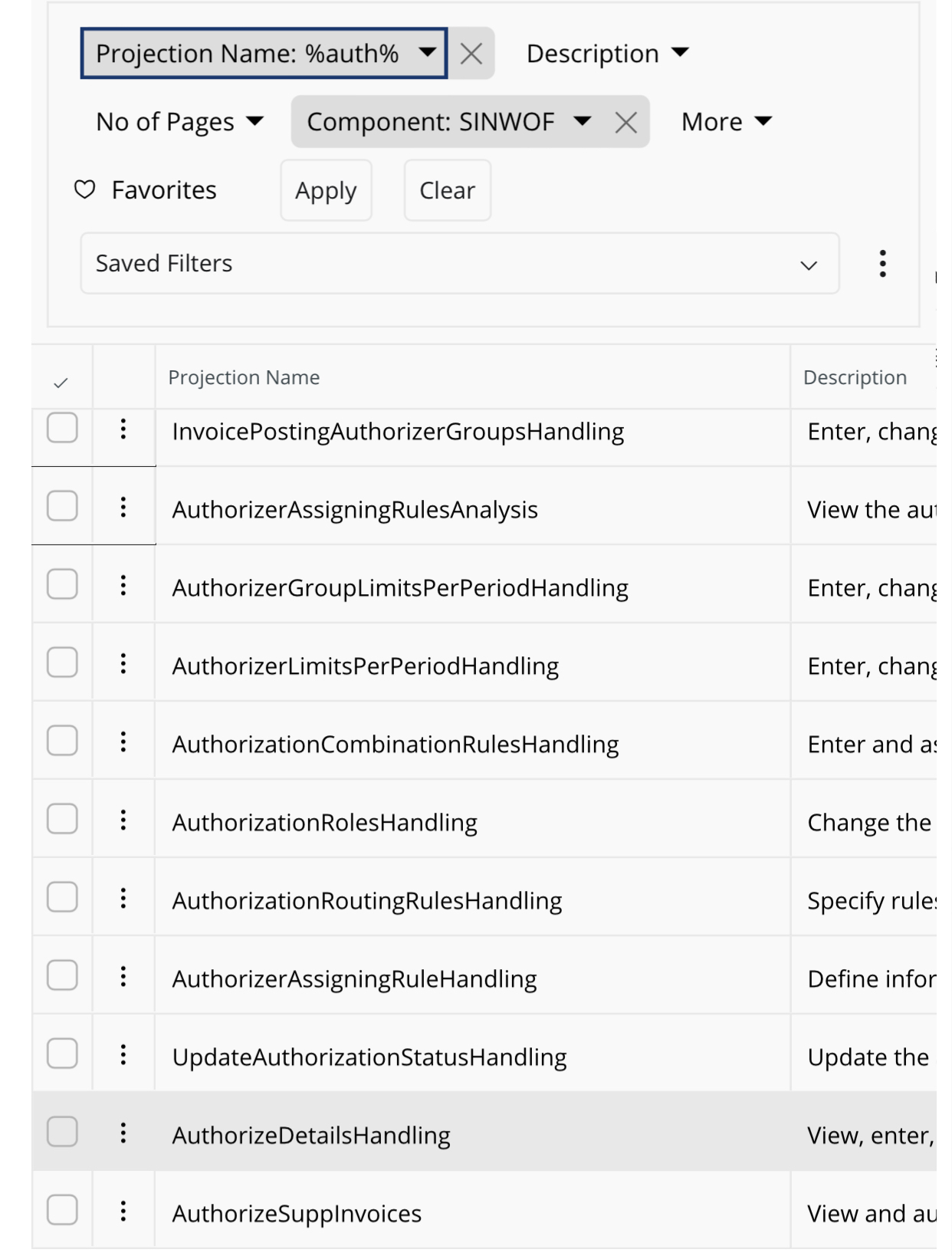
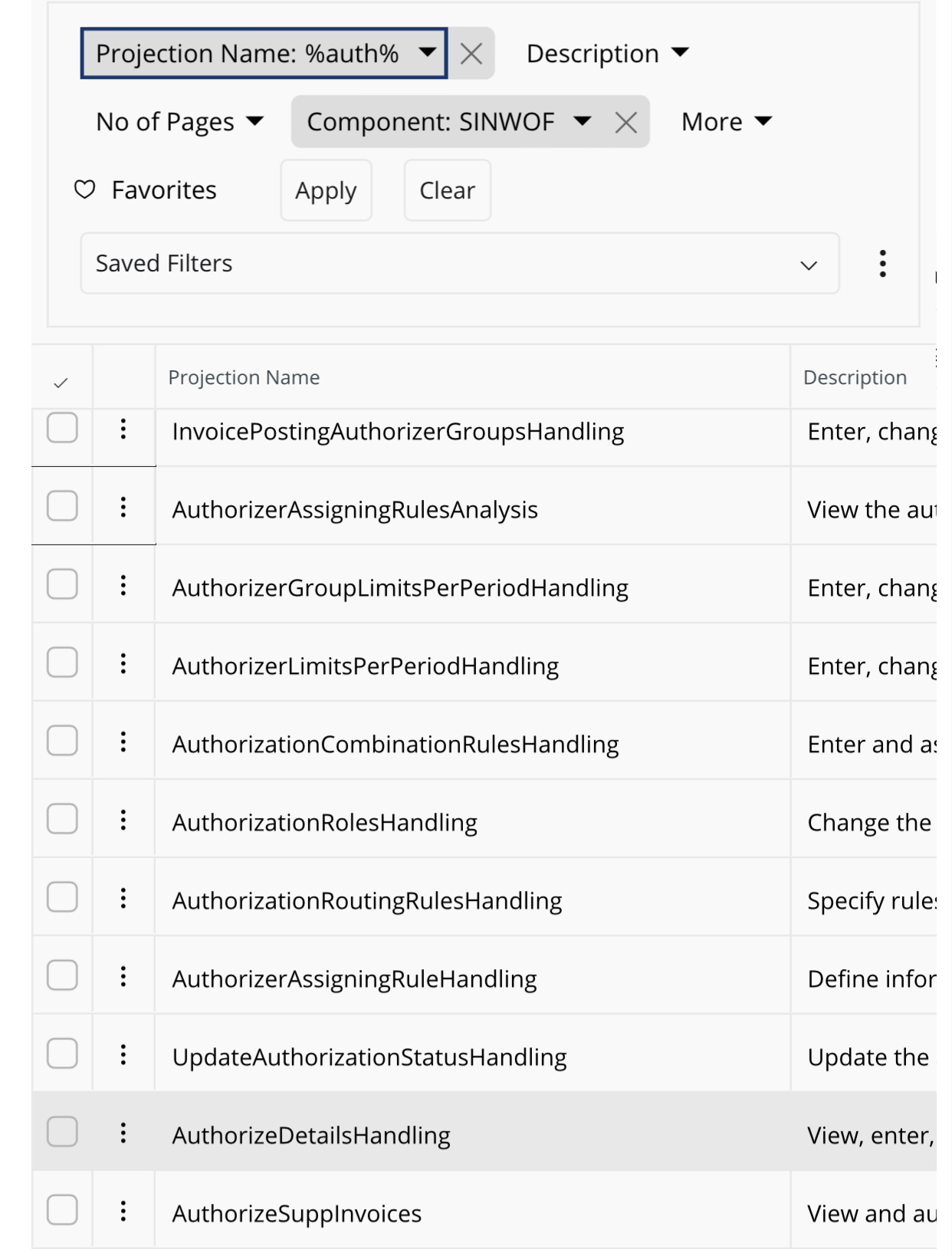
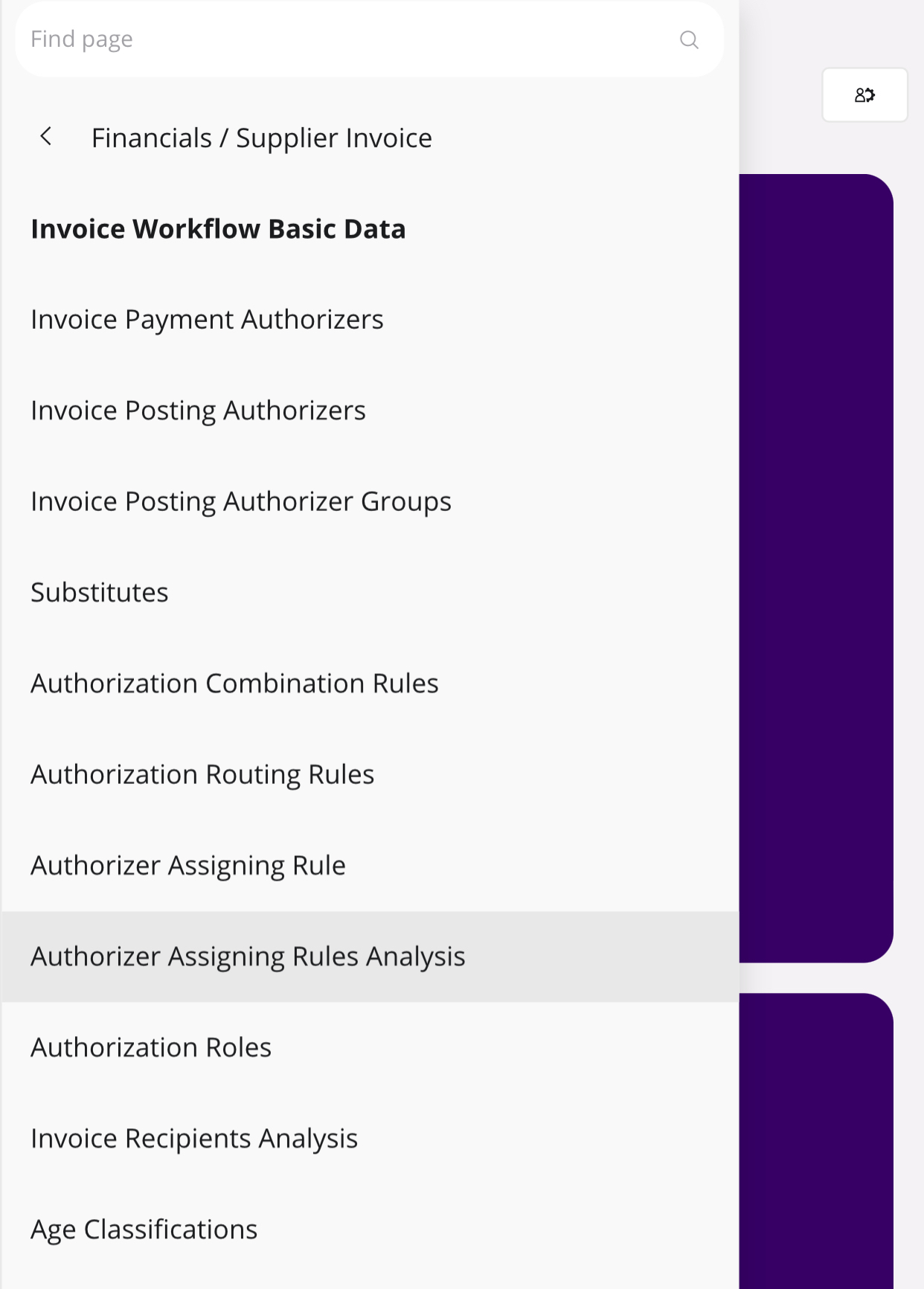
Yes there is authorizer assigning rule windows in cloud. You can grant access to all projections from SINWOF component.


3 replies

Furkan Zengin
Ultimate Hero (Partner)
Forum|alt.badge.img+21
  • Ultimate Hero (Partner)
  • Answer
  • August 23, 2024

Hello

Yes there is authorizer assigning rule windows in cloud. You can grant access to all projections from SINWOF component.


Forum|alt.badge.img+2

Hello Furkan!

Thanks for your reply!!

What window is this where you can give access to all projections?


Furkan Zengin
Ultimate Hero (Partner)
Forum|alt.badge.img+21
  • Ultimate Hero (Partner)
  • August 23, 2024

Hello @Israel de la Cruz 

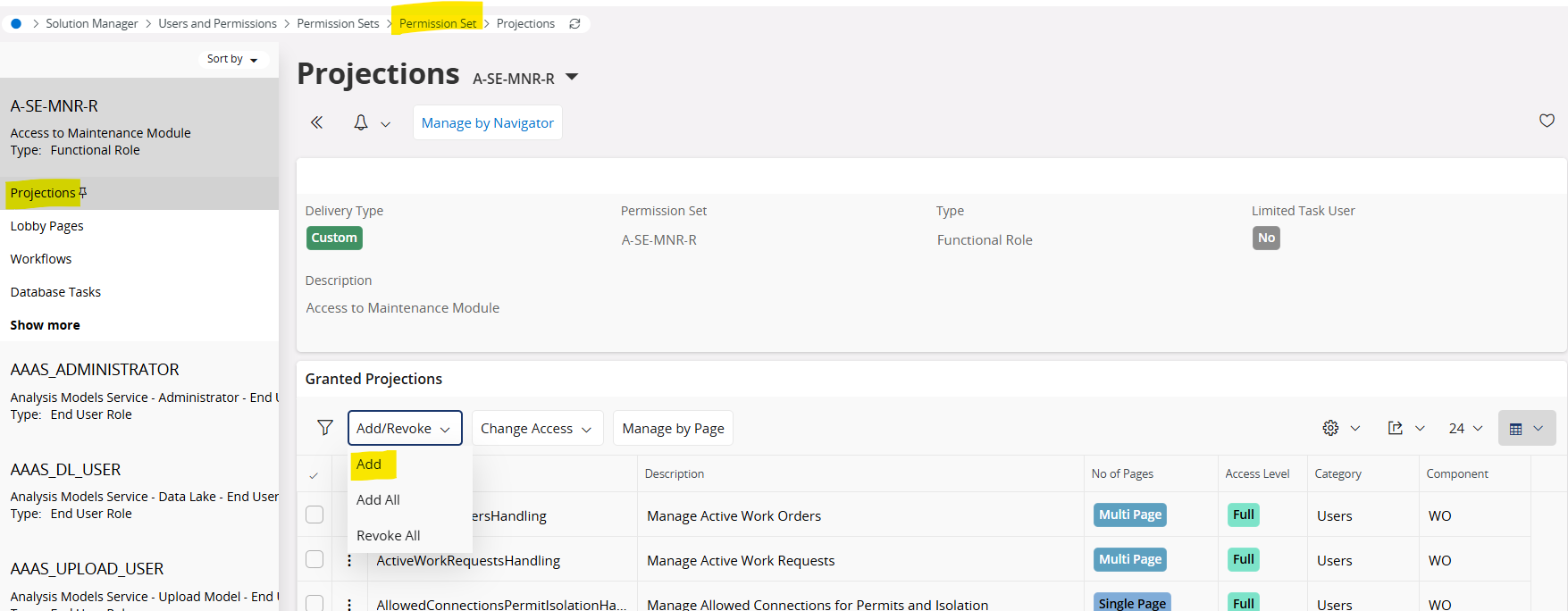
This window is Projections section of the permission set window. Go to permission set window and search for the set you want to assign the projections. Go to Projections section and click Add button, then you will reach the window I shared in previous post. You can search among projections and/or enter a component.

Select the projects and click OK. They will be added to your set. Refresh security cache and user should have access.