Solved

Zooming in Astea Browser - v12.5

  • October 28, 2021
  • 6 replies
  • 223 views

bskallerud
Hero (Customer)
Forum|alt.badge.img+12

Hi all - are there short keys to zooming in/out in Astea browser (like Ctrl +/Ctrl - in Internet Explorer)? 

Best answer by Chris_Perkins

We have V14.5 and to zoom in and out I use ctrl and scroll (on the mouse)

6 replies

Chris_Perkins
Hero (Customer)
Forum|alt.badge.img+12
  • Hero (Customer)
  • Answer
  • October 28, 2021

We have V14.5 and to zoom in and out I use ctrl and scroll (on the mouse)


bskallerud
Hero (Customer)
Forum|alt.badge.img+12
  • Author
  • Hero (Customer)
  • October 28, 2021

Excellent - thanks!


bskallerud
Hero (Customer)
Forum|alt.badge.img+12
  • Author
  • Hero (Customer)
  • October 28, 2021

This works - but not for Dispatch Console. The user have different settings today than he had yesterday (smaller font), and of course he has not “done anything”...


Phil Seifert
Ultimate Hero (Employee)
Forum|alt.badge.img+24
  • Ultimate Hero (Employee)
  • October 28, 2021

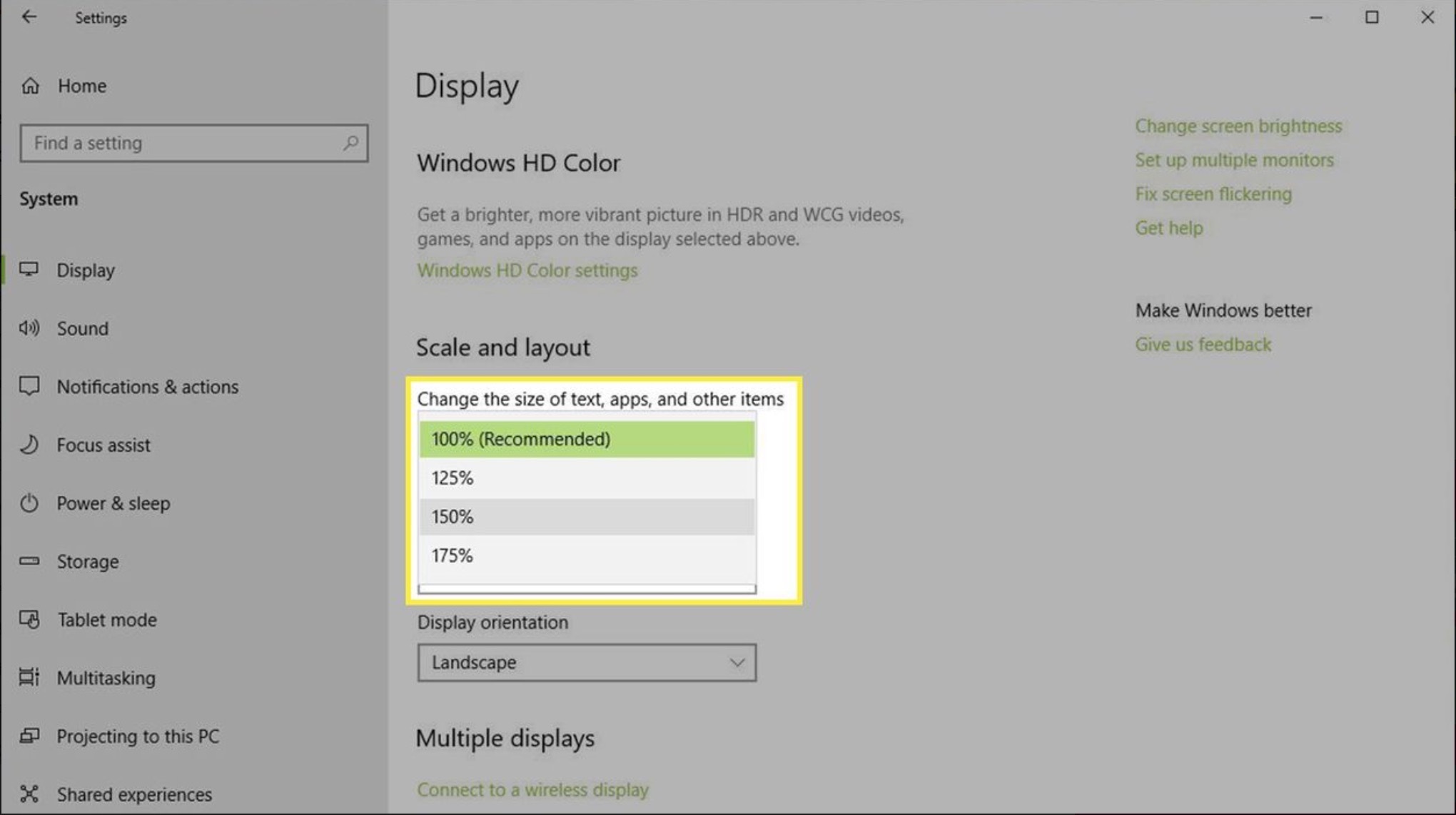
Perhaps the windows display driver was changed or the display scaling?

I have found that the Astea Browser doesn’t play well with 4K displays sometimes appearing far too small.  On my own 4K monitor, I reduce the resolution to 1920x1080.

In any case, Chris’ answer is the way I also zoom in/out generally but as you noted the Dispatch Console is not affected by that option as it is not a real IE web page but more like a control running inside the web page.


bskallerud
Hero (Customer)
Forum|alt.badge.img+12
  • Author
  • Hero (Customer)
  • October 28, 2021

Thanks, Phil. This is of course a user who always have “problems” - but never “change anything” on his PC. We played around a bit with screen resolution and scaling, but he was not satisfied with the result. I have to do this over Teams/TeamViewer - not an ideal way to support this issue...


Forum|alt.badge.img+5
  • Sidekick (Customer)
  • October 29, 2021

Hi 


As far as i can tell in V15 there is no way to change the font size in the dispatch console. The only things that you can change in the dispatch console is the map (by zooming in/out) and the time zoom which doesn’t really make font bigger but gives you the ability to “zoom” with the times.