Question

Cannot Purchase a Prototype Part Revision

  • May 7, 2026
  • 2 replies
  • 52 views

matt.watters
Ultimate Hero (Partner)
Forum|alt.badge.img+26

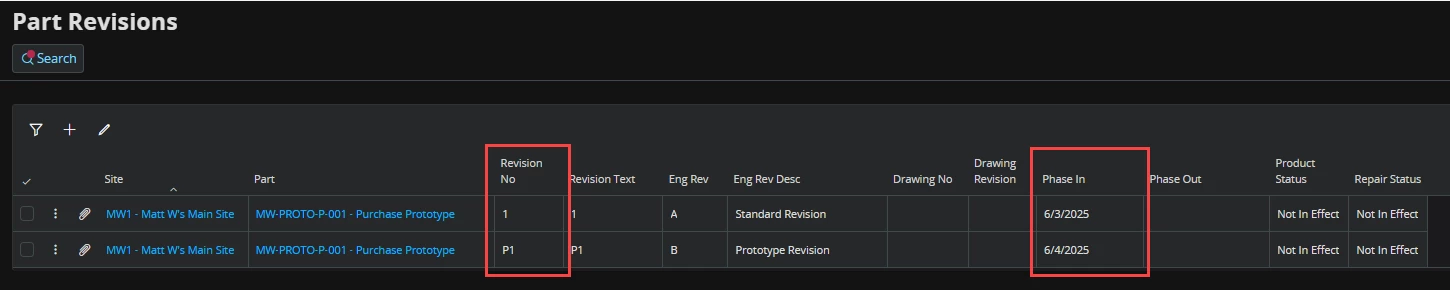
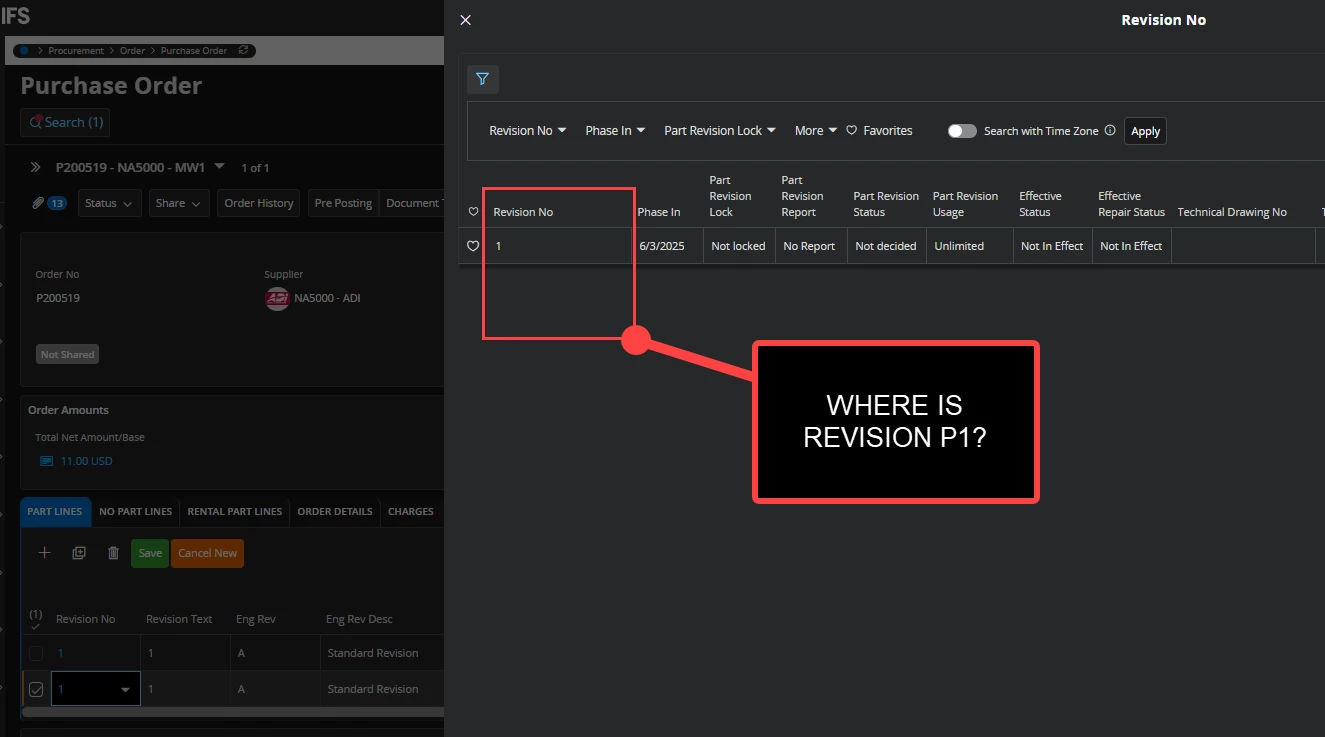
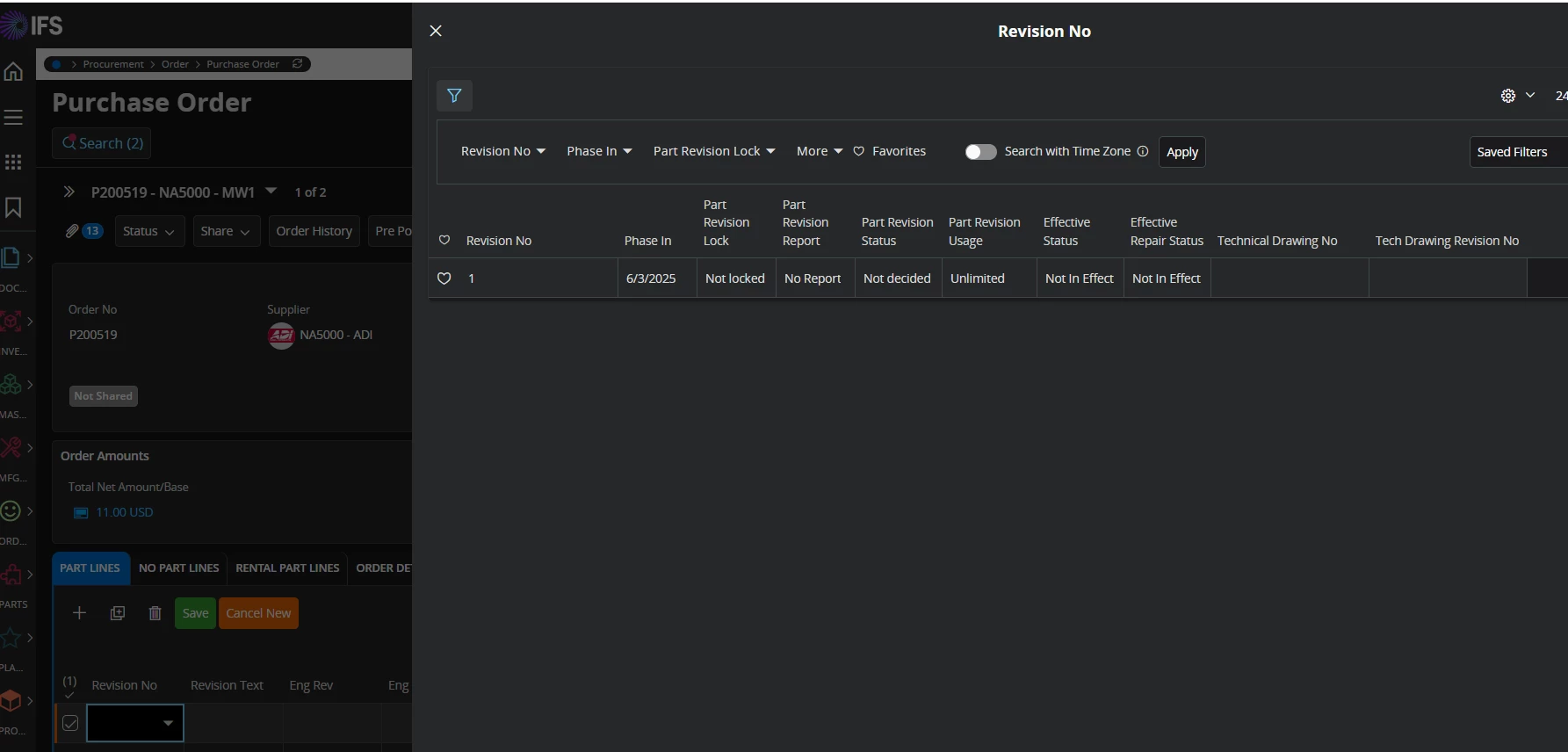
Working with a purchase part that has two part revisions, 1 and P1. Each revision is phased in on the same date (6/3/25). On the Purchase Order line, though, I cannot select revision P1. The only revision I can select is revision 1.

Is there any way, outside of document text, to specify a prototype revision on a purchase order line?

 

2 replies

Piyal Perera
Hero (Employee)
Forum|alt.badge.img+12
  • Hero (Employee)
  • May 26, 2026

Hi ​@matt.watters,

   I tried to get cursor’s help to find anyway we can represent that.

Short answer was that  “In standard IFS Cloud procurement, you cannot set engineering revision directly on a purchase order line. The line stores a part revision . Engineering revision is shown from that part revision and is not a separate selectable value on the PO.

  • Alternative Part Revision and document text are not substitutes for IFS engineering revision on the line.
  • Eng Rev on the PO is informational; it follows Revision No (part revision).
  • There is no separate engineering-revision LOV on the PO line in standard product code; engineering-only revision keys  are explicitly excluded from the PO selector.

regards,

Piyal


matt.watters
Ultimate Hero (Partner)
Forum|alt.badge.img+26
  • Author
  • Ultimate Hero (Partner)
  • May 26, 2026

@Piyal Perera I am referring to the inability to see Part Revision P1 in the list. The only Part Revision I can select is Part Revision 1. I am not looking to select an Eng Rev.